Replay the product tour
The product tour dims the console and lights one control at a time, with a card that says what it is for: where to create a task, how to start from a template, where to ask Jarvis, where notifications land, and where your projects are. It runs on its own the first time a new member opens the task board. You can take it again whenever you like.
Who can do this: any member.
-
At the foot of the sidebar, find the compass, Product tour, between the version number and Help (?).

-
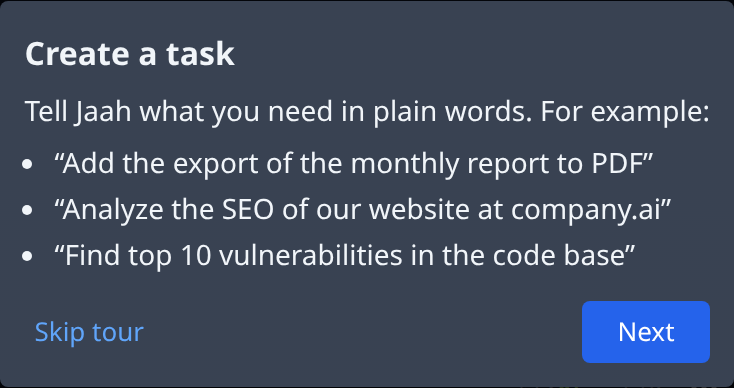
Select the compass. If you are on another page, the task board opens first. The screen dims and the first card, Create a task, points at New Task with a few example requests.
-
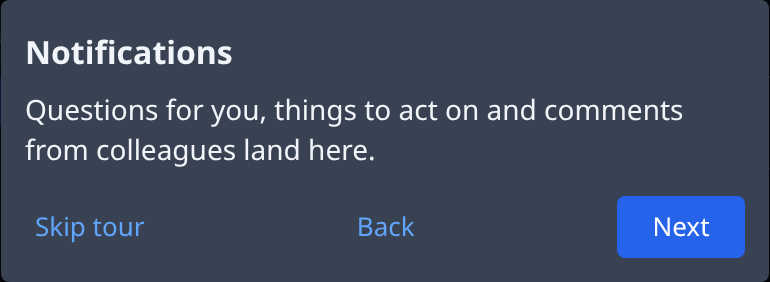
Select Next to move to the next control. The cards come in this order: Create a task, Start from a template (the menu beside New Task), Ask Jarvis, Notifications (the bell), Your projects (the projects in the sidebar) and Replay the tour (the compass itself).
-
Select Back to see the card before again.
-
On the last card, select Done to end the tour.
To stop early, select Skip tour on any card, or press Escape. Ending the tour changes nothing on the board. A card whose control isn't on screen is left out: in a narrow window, for example, the tour skips what the layout hides.
After you create an app in Easy Mode, the tour also shows Your first epic: it lights the new app's first epic on the board and says what to expect from it. That card shows once for each app, and Skip tour jumps to it rather than past it.
Related
- Find your way around: the sidebar, the phone layout, Help and your profile in more detail.
- Run your first task: create a task, start it and read its result.
- Get help: ask Jarvis when a card leaves a question open.