Help
Help is a chat panel with Jarvis, Jaah's assistant. Ask it a question in plain words. When it can't answer, it can raise a support ticket for you, and you follow that ticket on Support.
Help has no page of its own. It opens over whatever page you are on, and keeps its conversation while you move between pages.
Opening Help
| Control | Where | What it does |
|---|---|---|
| Ask Jarvis | The round button at the bottom right of the window, on a wide screen. Hover it and its name slides out. | Opens the panel. It hides while the panel is open. If it covers something, drag it anywhere on the screen; a reload puts it back in the corner. It fades while you scroll. |
| Help (?) | The question mark at the bottom of the sidebar, right of the version. On a phone, it sits with the bar's other buttons. | Opens the panel, restores it when minimized, and closes it when it's open. |
The command center has its own Ask Jarvis box: it opens Help on a new chat with your question already typed, not sent.
The panel
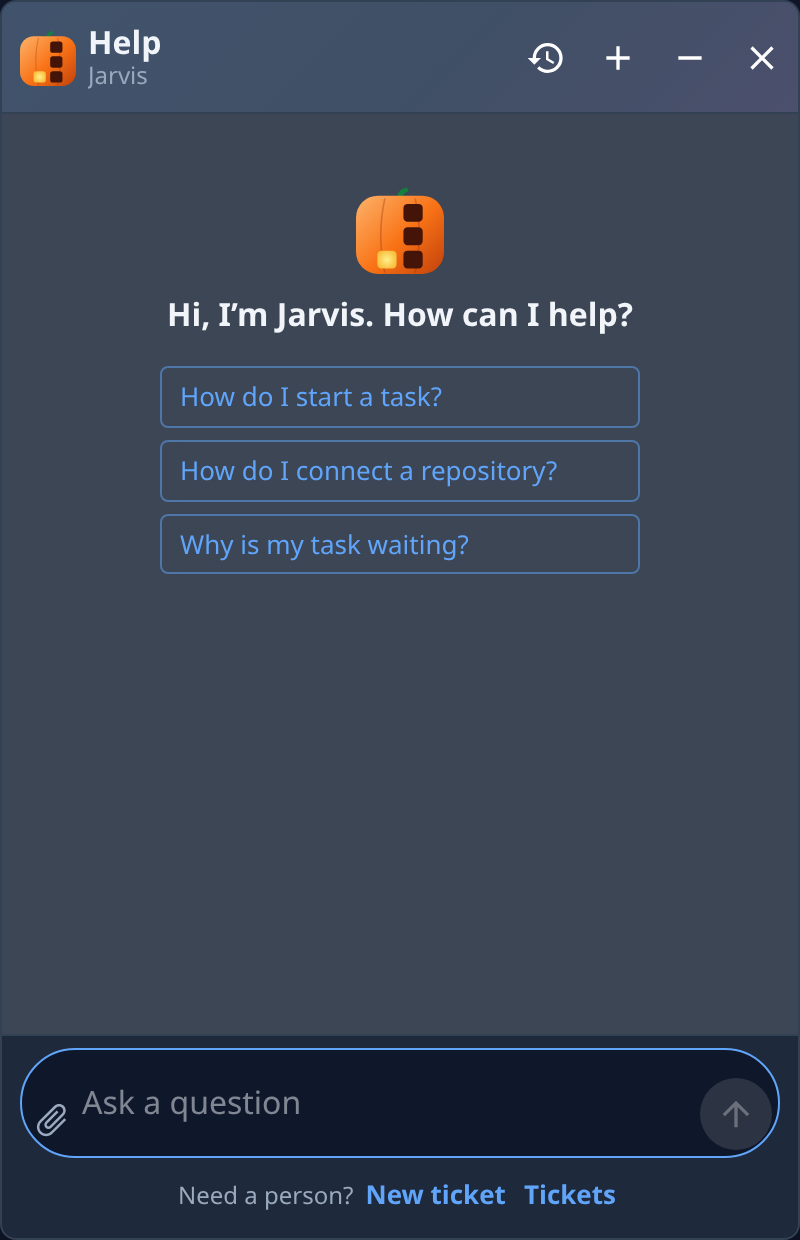
On a wide screen the panel is a window that floats over the page, which stays usable behind it. It opens at the bottom right. Drag its header to move it, and drag any edge or corner to resize it. Your browser remembers its place and size. Escape closes it.
On a phone it fills the screen.
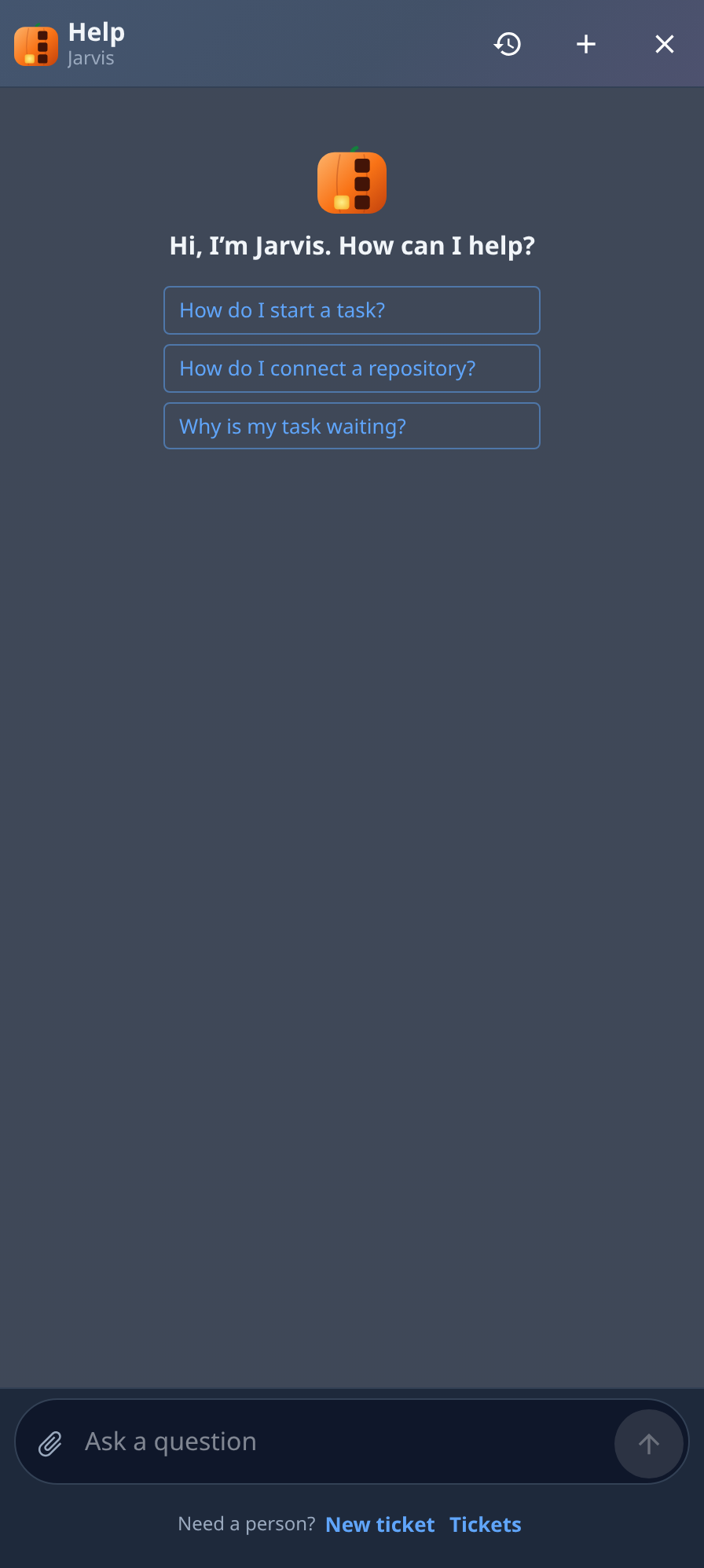
The last conversation you had in this browser opens again with the panel, even after a reload.
Header
| Item | What it does |
|---|---|
| Help · Jarvis | The panel's title. It reads Past chats while the list of past chats is open. |
| History (clock) | Opens Past chats. While they're open it becomes Back, which returns to the conversation. |
| New chat (+) | Starts an empty conversation. The one you leave stays under History. |
| Minimize (−) | Folds the panel down to its header; Restore opens it again. Double-clicking the header does the same. Not on a phone. |
| Close help (×) | Closes the panel. The conversation and anything you typed are kept for when you open it again. |
The conversation
An empty conversation shows Hi, I’m Jarvis. How can I help? with three questions to start from, such as How do I start a task? Select one to ask it.
Your messages sit on the right, Jarvis's replies on the left with its mark, each with the time it was sent. Three dots mean Jarvis is writing a reply. A reply can link to a page of the console; on a wide screen the page opens behind the panel, and on a phone the panel closes to show it.
When Jarvis raises a ticket for you, a green box says Ticket created: with the ticket's number and title. Select it to open the ticket. The ticket's Transcript tab keeps this conversation: see A ticket's page.
When something goes wrong, such as a reply that stops partway or a message that is too long, one red line under the conversation says why. A message that never reached Jarvis goes back into the box, so you can send it again.
Message box
| Item | What it does |
|---|---|
| Attach files (paperclip) | Adds files to your next message, up to 10. You can also paste an image or drop files on the box. Each file shows above the box while it uploads; a failed one is marked failed and has to be removed before you can send. |
| Ask a question | Your message. Enter sends it; Shift+Enter starts a new line. |
| Send (↑) | Sends the message. Unavailable while the box is empty, a file is still uploading, or a reply is on its way. |
| Need a person? New ticket | Closes the panel and opens the New ticket form, so you can raise a ticket yourself without Jarvis. |
| Tickets | Closes the panel and opens Support. The number beside it counts your tickets that are still open, in progress or pending. |
In an organization with HIPAA mode on, the box carries the warning Not covered by a BAA — don’t send PHI here. Keep protected health information out of Help.
Past chats
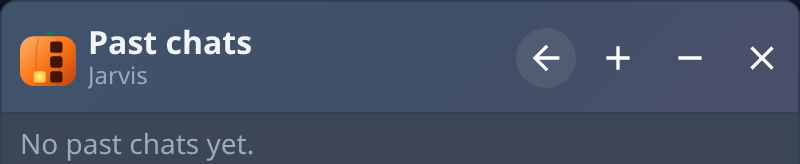
History lists your earlier conversations, newest first. Each row reads Chat # with its number, how many questions you asked, and the ticket it raised if there was one, with how long ago it was last used at the right. Select a row to open that conversation. With none yet, the list says No past chats yet.
Related
- Ask Help, then raise a ticket if you need to: Get help.
- Your tickets and how to follow them: Support.
- Where Help sits among the rest of the console: Find your way around.