Move a webhook to a new URL
When your receiver moves, to a new server, a new domain or a new path, change the URL on the endpoint you already have instead of creating a new one. The endpoint keeps its events, its projects, its signing secret and its delivery log, so nothing in your setup has to be chosen again.
You need to be an Owner or Admin of your organization, on a plan that includes webhooks.
Before you start
The signing secret belongs to the endpoint, not to the URL: changing the URL keeps it. Give the new receiver the same secret the old one checks against. If you no longer have it, Jaah can't show it again: rotate it in step 5.
Have the new receiver running and answering before you switch. Jaah checks a new URL when you save it.
Change the URL
-
Open Settings, select Integrations, then Webhooks.
-
Select the endpoint's name. It opens on its Settings tab.
-
In URL, replace the address with the new one. It must start with
https://and point at a public address.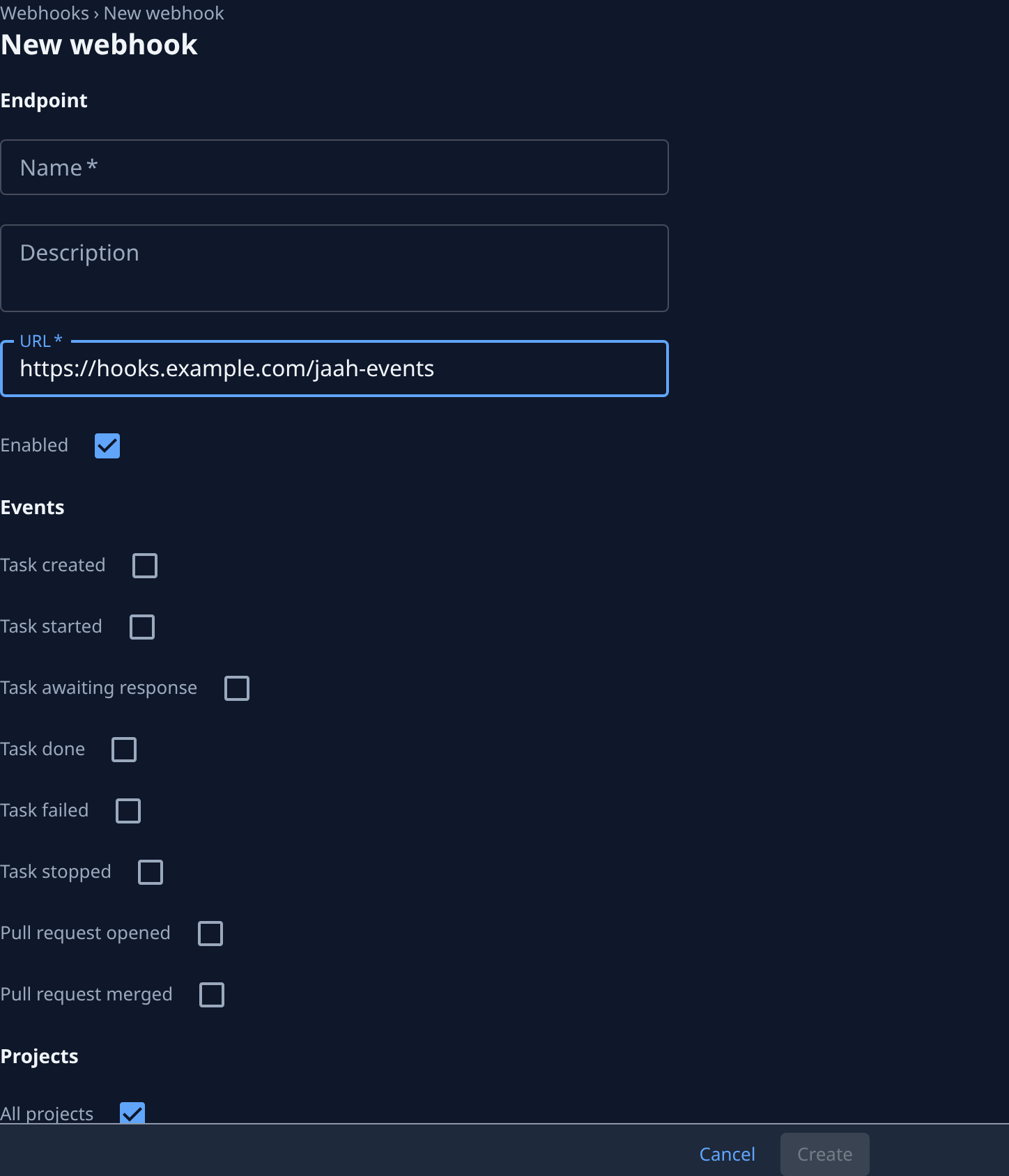
-
Leave Events, Projects and Enabled as they are, and select Save. If Jaah refuses the address, the reason appears under URL and nothing is saved; the reasons are listed in URLs Jaah refuses.
-
Only if the new receiver doesn't have the secret: select the Secret tab, then Rotate, and confirm. Copy the new secret, which Jaah shows once, into the new receiver. For 24 hours each delivery is signed with both the old and the new secret, so a receiver holding either one accepts it.
-
Select Send test. Jaah sends a
pingevent to the new URL at once and opens Deliveries, where its row shows Delivered once the new receiver answers with success. -
Watch the next real deliveries on Deliveries. Every event from now on goes to the new URL, and so does the next attempt of any delivery still retrying.
-
If a delivery failed during the move, select Redeliver on its row. It goes to the new URL with a fresh round of retries.
Once the new receiver handles deliveries, turn the old one off: Jaah no longer sends anything to it.
Don't clear Enabled for the move. Events that happen while an endpoint is off are never sent, so a paused endpoint loses them instead of delivering them later.
Related
- Receive events with webhooks — create an endpoint, verify the signature and rotate the secret.
- Fix a failing webhook — read why deliveries fail and send the missed ones again.
- How webhooks work — endpoints, signing secrets and a delivery's life.