Send a project's events to its own receiver
One endpoint often starts out sending every project's events to one shared receiver. When a team wants its project's events in its own system, give that project an endpoint of its own and take it off the shared one. Each endpoint keeps its own signing secret and its own delivery log, so the team's receiver never needs the shared secret. How endpoints, events and projects fit together is in How webhooks work.
Requires the org admin role (an Owner or Admin of your organization), on a plan that includes webhooks, and a
receiver for the team at a public https:// address.
Create the new endpoint first and remove the project from the shared one last. Done the other way round, the project's events reach no receiver in between.
-
Open Settings, select Integrations, then Webhooks, and select New webhook.
-
Enter a Name that says whose receiver it is, such as
Mobile team, and the team receiver's URL. -
Under Events, tick the events the team needs. They don't have to match the shared endpoint's.
-
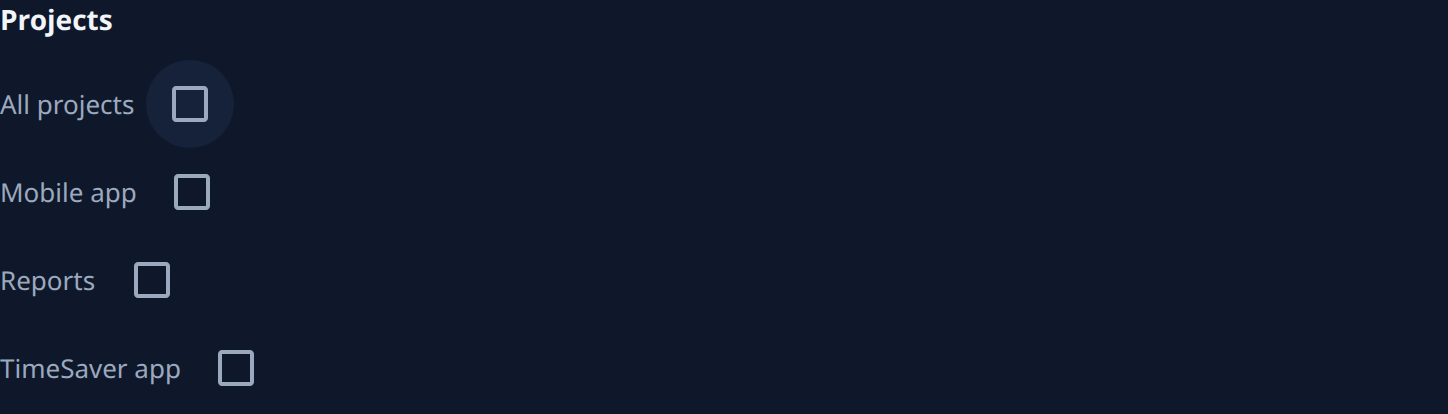
Under Projects, clear All projects, then tick the team's project.
-
Select Create. Copy the signing secret from the dialog into the team receiver's configuration, then select Done. Jaah shows the secret only this once.
-
On the new endpoint's page, select Send test. The Deliveries tab opens; the
pingrow should read Delivered. Anything else: see Fix a failing webhook. -
Go back to Webhooks and select the shared endpoint's name.
-
Under Projects, clear the team's project. If All projects is ticked, clear it first, then tick every project except the team's.
-
Select Save. While it is greyed out, hover it for why, such as Pick a project, or All projects.
From now on the team's project sends only to its own endpoint. Events that happened before the change stay where they were sent.
With All projects cleared, a project added later sends nothing through the shared endpoint until you tick it there. Check the shared endpoint's Projects whenever your organization adds a project.
Related
- Change which events a webhook sends: add or drop events, or projects, on one endpoint.
- Receive events with webhooks: what a delivery looks like and how the receiver checks its signature.
- Webhooks: every field on an endpoint's page.