Pause a webhook
When the system that receives your webhook is going down for maintenance, or is being rebuilt, pause the endpoint so Jaah stops sending to it. Turn it back on once your receiver is up. Pausing keeps the endpoint, its events, its projects and its signing secret as they are; deleting it would lose its delivery log and its secret.
You need to be an Owner or Admin of your organization, on a plan that includes webhooks.
Before you pause: events that happen while the endpoint is Disabled are never sent, not even later. If your receiver must not miss events, keep the endpoint on instead: a delivery your receiver can't take is retried, and anything that still fails can be sent again from Deliveries (see Fix a failing webhook).
Pause it
-
Open Settings, select Integrations, then Webhooks.
-
Select the endpoint's name. Its page opens on the Settings tab, with Enabled beside its name.
-
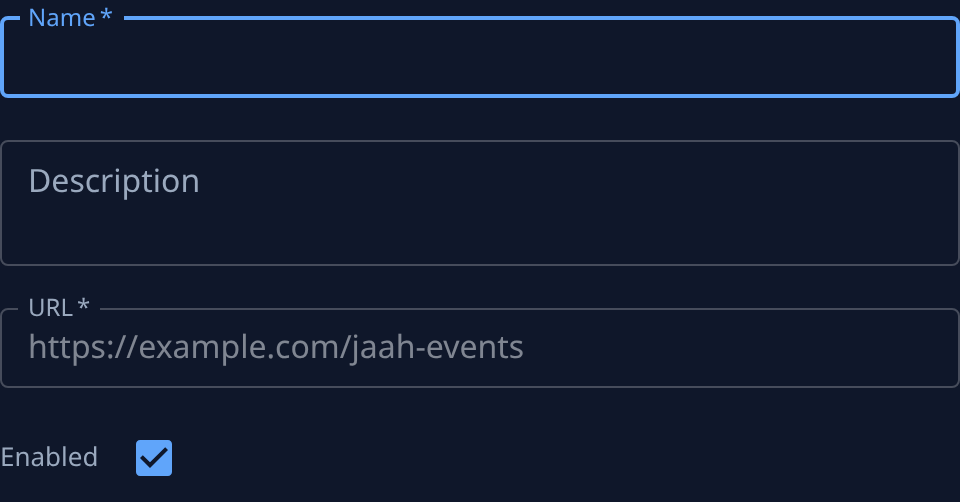
Under Endpoint, clear Enabled. Hover its label to read what it does: Off: nothing is sent. On again: sends what happens next, not what was missed.
-
Select Save. The chip beside the name now reads Disabled.
-
Go back to Webhooks. In the list, a hollow mark before the name shows the endpoint is Disabled.
Turn it back on
- Open the endpoint from Settings › Integrations › Webhooks.
- Tick Enabled and select Save. The chip reads Enabled, and the endpoint sends events that happen from now on.
- Select Send test. Jaah sends a test event at once and opens the Deliveries tab.
- Check the test's row: Delivered means your receiver is back and answering. Anything else: see Fix a failing webhook.
- If your receiver needs what happened during the pause, fetch it from Jaah another way, such as the task board or the Jaah API: the endpoint never sends it.
Related
- How webhooks work — an endpoint's life from Enabled to deleted.
- Move a webhook to a new URL — point the endpoint at a new receiver without pausing it.
- Webhooks — every field on the endpoint's page.