Register several agents from one repository
One GitHub repository can hold several agents, each in its own folder with its own manifest. Jaah registers each folder as a separate agent: it has its own name, its own Ref, its own pinned commit and its own Refresh. What a registered agent is and how a task runs it: How agents work.
Who can do this: anyone who may edit agents, with SDK agents on your plan.
Before you start: give each agent's manifest a different name. Names are unique within your organization, so a second folder whose manifest repeats a name already registered is refused with An agent named and that name is already registered in this organization. How to write a manifest: Build an agent with the SDK.
-
In the sidebar, select Settings, then Agents under Customize, then the Custom agents tab.
-
Select Add agent. The New agent page opens on its Agent tab.
-
In Repository URL, type part of the repository's name and pick it, or paste its address.
-
In Sub-path, type the folder that holds the first agent's manifest, such as
agents/report-bot. Each folder must sit inside the repository, so..is refused.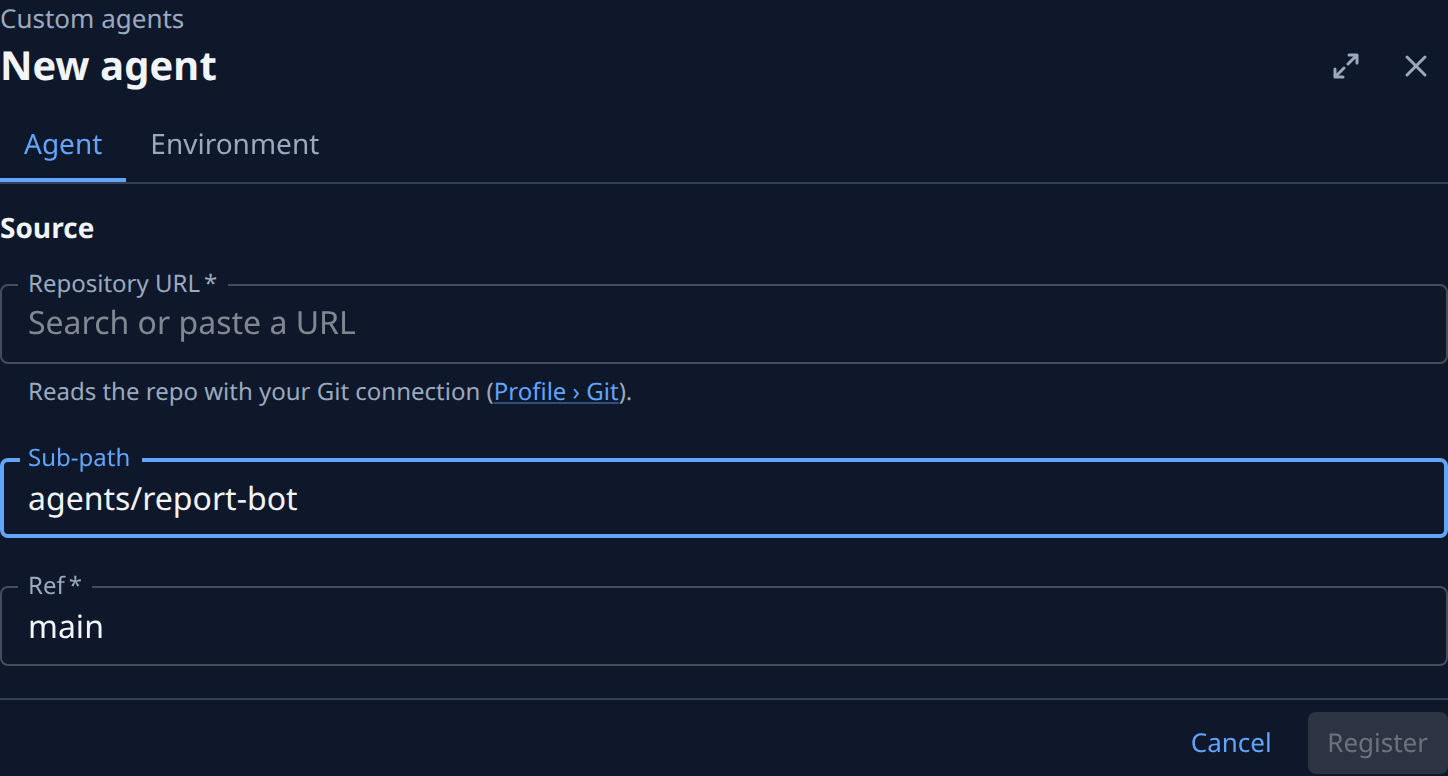
-
In Ref, keep main or type the branch, tag or commit this agent should follow.
-
Select Register. The page reads Fetching the repository and checking its manifest… for a few seconds, then the agent's own page opens. If it is refused, the problem is listed above the buttons; a private repository is covered in Register an agent from a private repository.
-
Select Custom agents above the title to go back to the list, then repeat steps 2 to 6 with the same Repository URL and the next folder in Sub-path.
-
Open each agent from the list and check its page. Source shows the shared Repository URL and that agent's own Sub-path; Facts under Details names the commit Jaah pinned for it.
After they are registered
- A push re-pins each one on its own. Jaah pins each agent's branch to its newest commit within about 15 minutes of a push, even when the push changed only another agent's folder. Point an agent's Ref at a tag or a commit to hold it still while the others move; see Roll back a custom agent to an earlier commit.
- A failed refresh is per agent. A broken manifest in one folder marks only that agent Last refresh failed; the rest keep running. See Fix a custom agent whose refresh failed.
- Moving a folder needs only that agent's Sub-path changed, then Save. Repository URL is locked once an agent is registered: an agent in another repository is registered anew.
- Settings are per agent. Each one has its own Environment tab; see Set environment variables on a custom agent.
Related
- Custom agent page: every field on the New agent page and an agent's page.
- Change or remove a custom agent: change one agent's Ref or Sub-path, disable or delete it.
- Set a project's default agent: have a project's tasks run one of them.