How NodeLink works
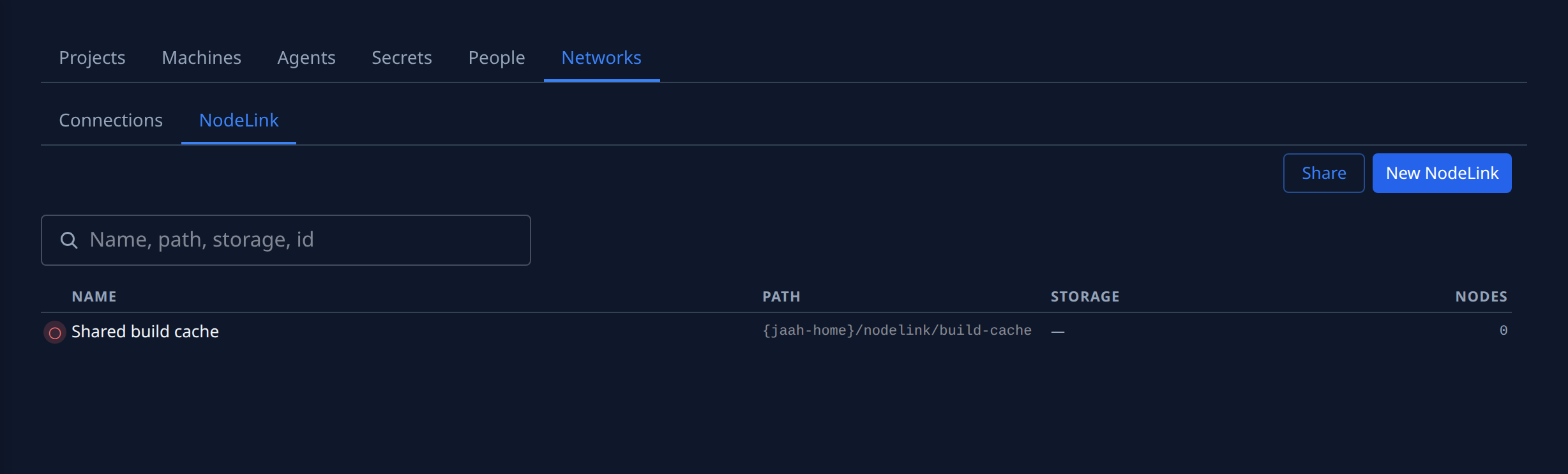
A NodeLink is a folder that several nodes share. Every node you attach it to mounts that folder at the same path under its own Jaah home, so a file one agent writes is there for agents on the other nodes: a build cache, a shared dataset, or the sign-ins of your model accounts.
NodeLink is shown only while your plan includes it. For every field and tab, see Networks › NodeLink. For what your network must allow, see Set up the network for NodeLink.
Terms
| Term | Meaning |
|---|---|
| Mount path | Where each node mounts the NodeLink, under its own Jaah home. It shows under the NodeLink's name, with a copy button. |
| Storage | The file system the NodeLink's files live on. Several NodeLinks can share one storage. |
| Access point | On AWS EFS, the door into the file system for one NodeLink: it shows the NodeLink its own folder only. New lets Jaah create one; Existing picks one already on the file system. |
| Mount target | The file system's private network address inside its network. Nodes connect to it. |
| Mount target IP | The mount target's address, which Jaah hands nodes so they connect to it directly instead of looking it up by name. |
| Allowed CIDR | On New AWS EFS, the address range allowed to reach the file system; blank is the connection's VPC. |
Where the files live
A new NodeLink starts with a name, a description and a mount path. Its Storage tab then asks where its files live, offering only the choices your organization can use:
- Jaah-managed: Jaah runs the storage and the network; there is nothing to set up. Offered when the NodeLink's nodes all run on machines Jaah runs in one location.
- Storage in Jaah: share a storage that another NodeLink already uses.
- Storage in your own cloud: pick a cloud connection first (Networks › Connections, or Add new… in place), and only that cloud's choices show. On AWS, New AWS EFS or Existing AWS EFS: a file system Jaah creates in the connection's subnet, or one you already have in its region. On Google Cloud or Azure, New or Existing GCP Filestore and New or Existing Azure Files (NFS), each offered only while that cloud is on your plan.
A NodeLink's lifecycle
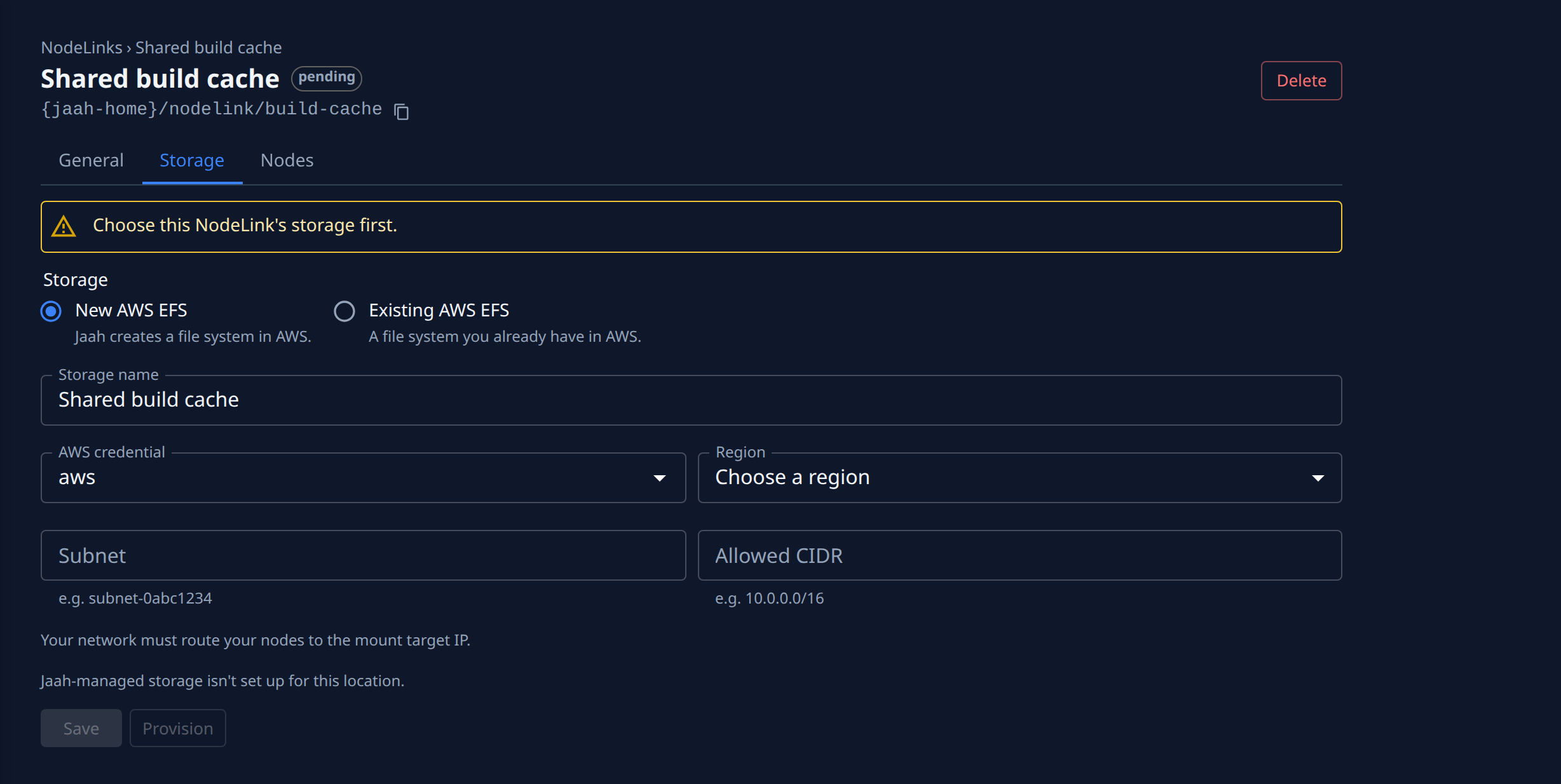
The chip beside a NodeLink's name shows where it is:
| Status | Meaning |
|---|---|
| pending | Saved, but its storage isn't ready yet. The Storage tab says what is still needed. |
| provisioning | Jaah is creating its storage or access point. |
| ready | Nodes can mount it. |
| failed | Creating its storage failed; the Storage tab shows why. |
| deleting | Being removed. Nodes unmount it. |
Once it is ready, attach nodes from its Nodes tab, or from a node's NodeLinks tab. Attaching and detaching take effect on the running node; nothing is reinstalled.
How a node reaches the files
A node mounts the NodeLink over an encrypted connection to the storage's mount target, usually within seconds of being attached, and keeps it mounted across restarts. A mount target has a private address only, so a public IP on a node doesn't help: what matters is a private route from the node to the mount target. Inside the storage's own network that route is there already; anywhere else your organization provides it, for example with peering, a VPN or a subnet router.
What each node reports
Each node checks its own mount and reports it on the NodeLink's Nodes tab and on the node's NodeLinks tab:
| State | Meaning |
|---|---|
| Mounted | The folder is mounted. A node never shows this for a folder that failed to mount. |
| Not mounted | The mount failed; the reason shows below, such as a timeout reaching the mount target. |
| Needs permission | A Mac node is blocking the share until it is granted Full Disk Access. |
| Unknown | The node hasn't reported this NodeLink yet. |
| Not set up yet | The node has never connected to Jaah. |
A node that couldn't find the file system by name is outside the file system's VPC: set the storage's mount target IP (Storage › Mount target IP › Change) and route the node to it.
A node that reads Not in the file-system policy. can't mount it until the policy on AWS EFS storage admits the NodeLink again; see Repair a NodeLink's file-system policy.
Sharing model-account sign-ins
Share on the NodeLink list creates a NodeLink (named Subscriptions by default) at a fixed path and attaches the nodes you pick. A model account signed in on one of those nodes is then signed in on all of them. It asks you to confirm that your model provider allows one subscription on several devices.
Who sees the files
Everything in a NodeLink is readable and writable by every process on every node it is attached to, whatever user runs it. Attach a NodeLink only to nodes you trust with all of its files, and keep separate NodeLinks for nodes that shouldn't share. Files on a NodeLink can't be run as programs, so keep scripts, plugins and tools elsewhere.
Deleting a NodeLink and its storage
Delete on a NodeLink unmounts it from every node. Storage Jaah created in your cloud is billed by your cloud provider until it is deleted, and it stays after its last NodeLink is deleted. The Storage list on Networks › NodeLink shows each storage's cloud, tier and how many NodeLinks use it. Its Delete works once no NodeLink uses it: by default it removes only Jaah's record, so the storage stays in your cloud and keeps billing. Tick the Also delete box, such as Also delete the EFS file system in AWS, to delete it in the cloud as well, with every file on it. Storage you chose with Existing is never deleted in your cloud.