Repair a NodeLink's file-system policy
A NodeLink on AWS EFS storage reaches its files through an access point, and the file system's policy must admit that access point. Jaah writes the policy when it provisions a NodeLink. If someone edits or removes the policy in AWS, or a write failed part-way, nodes stop mounting the NodeLink. Each node then reads Not mounted with the reason Not in the file-system policy. Repair it on the NodeLink page., or the storage's Policy reads Outdated. Repair rewrites the policy so it admits every NodeLink on that storage again.
Before you start:
- This applies to AWS EFS storage only. Jaah-managed storage, GCP Filestore and Azure Files have no file-system policy to repair.
- It requires permission to edit credentials, as org admins have. NodeLink is shown only while your plan includes it.
- Repair replaces the whole policy with Jaah's. On storage you chose with Existing AWS EFS, any statements of your own in that policy are lost.
Check the policy
-
In the sidebar, select Directory, then the Networks tab, then NodeLink.
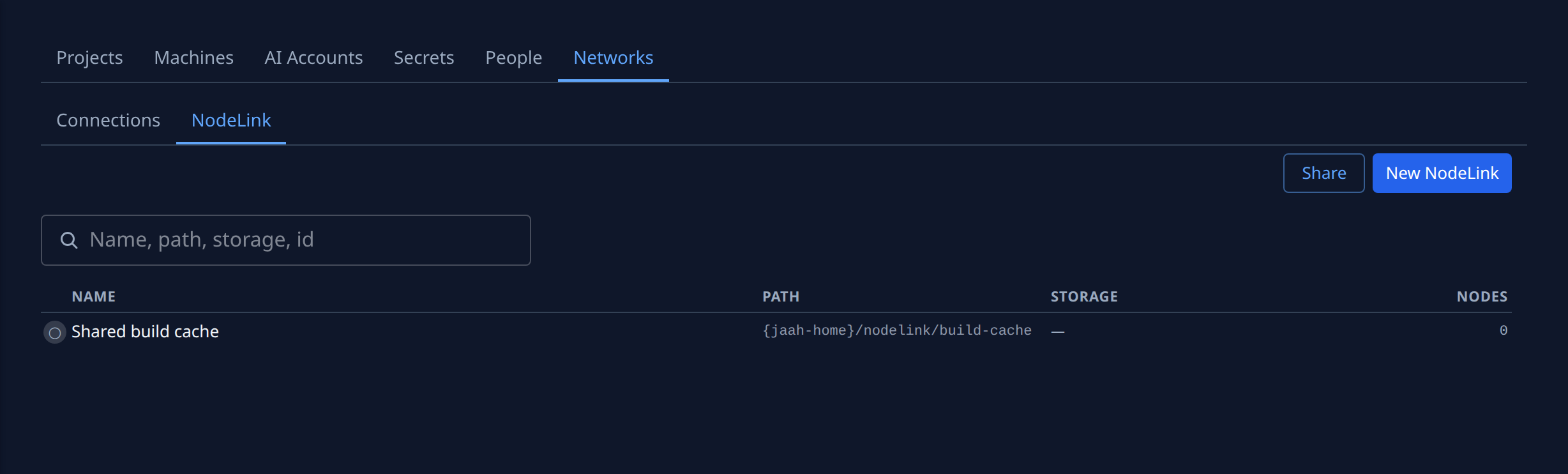
-
Select the NodeLink's name, then its Storage tab.
-
Select Refresh from AWS, so the tab reads the file system as AWS holds it now.
-
Read the facts:
- In policy: No means this NodeLink's access point is missing from the policy. The tab also shows Not in the file-system policy. at the top.
- Policy: Current when the policy matches the one Jaah would write now, Outdated with the reason when it doesn't, such as The file system has no policy., Admits 1 access point; 2 expected. or Differs from the policy Jaah writes. Unknown with an error means Jaah couldn't read it; see the last section.
- Policy written: when Jaah last wrote the policy, and how many access points it admitted.
-
Optional: select Show policy to read the policy itself.
Repair it
- Select Repair policy. When it is done, the tab reads Policy rewritten · and the number of access points it now admits, and Policy reads Current.
- If the tab still shows Not in the file-system policy., select Retry. Jaah finishes setting up this NodeLink's access point and adds it to the policy.
- Select the Nodes tab and check that each node reads Mounted. Nodes pick the change up on their own, usually within a minute.
When Jaah can't read the policy
If Policy reads Unknown, or Repair policy fails, the AWS credential behind the storage can't
read or write it. Give that credential the permissions the storage needs: DescribeFileSystemPolicy to
read the policy, and PutFileSystemPolicy to write it. To use another credential that sees the same file
system, select Change beside AWS credential, pick it, and select Save. Then repair again.
Related
- How NodeLink works — where the files live and what each node reports.
- Set up the network for NodeLink — when a node can't reach the file system at all.
- Attach a NodeLink to nodes — create a NodeLink and give it storage.
- Networks › NodeLink — every field on the Storage tab.