Share files between tasks on different nodes
A project whose tasks run on several nodes gives each task the files of the node it lands on. When tasks need the same files — a large dataset, a build cache, or results one task leaves for the next — put them in a NodeLink attached to every node the project runs on. Each of those nodes mounts it at the same path, and the agents there are told its name and path when a task starts. How NodeLinks work is in How NodeLink works.
Before you start: NodeLink is shown only while your plan includes it. Creating a NodeLink requires permission to edit credentials; attaching nodes requires the org admin role.
-
Find the nodes your project runs on: in the sidebar, select Directory, then the Projects tab, open the project's Settings tab, section Nodes. Node groups reads All (every enabled node on the Machines tab) or names its groups; note every node in them.
-
Create a NodeLink for the files, such as
Shared datasets, and give it storage, as in Attach a NodeLink to nodes. Wait for its chip to read ready. -
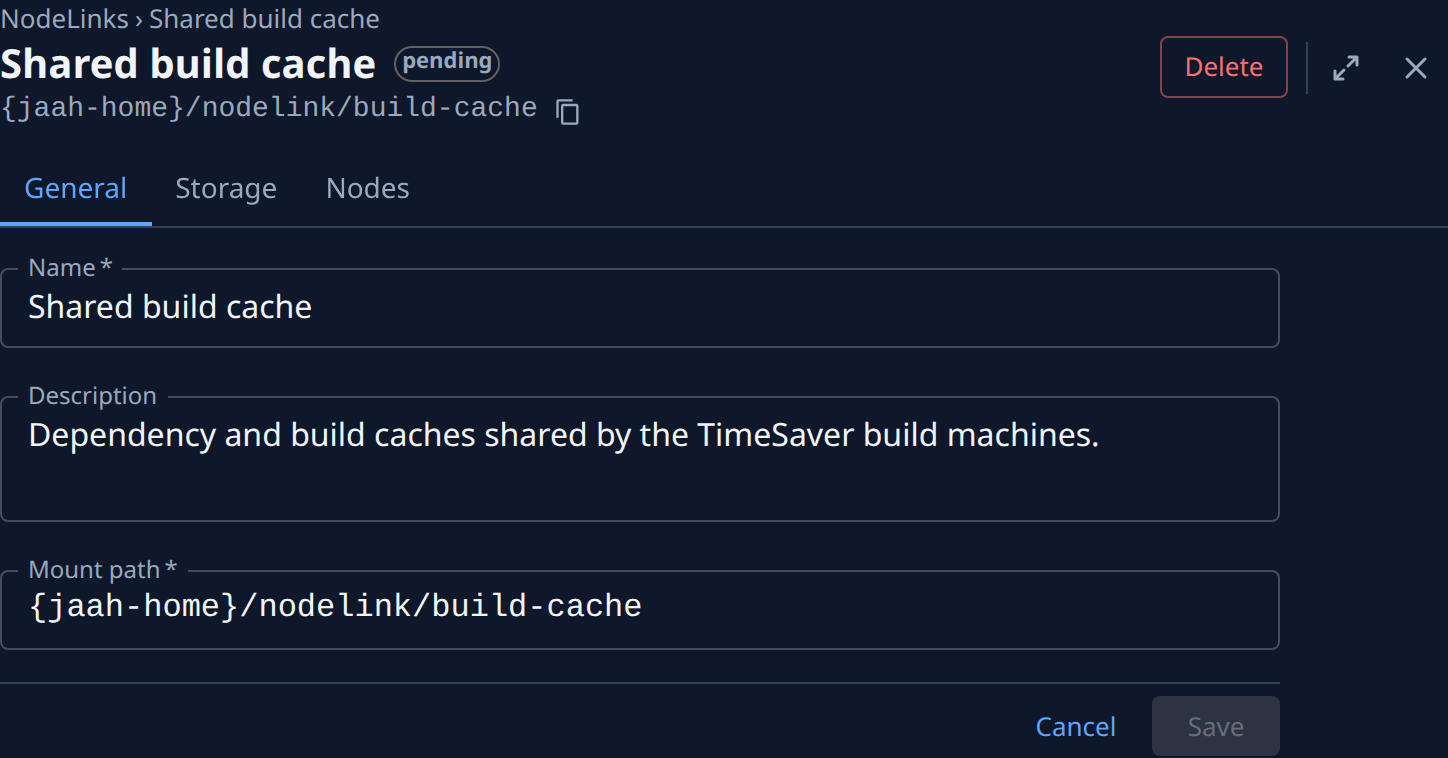
On the NodeLink's page, read the Mount path under its name. It is the same on every node it is attached to.
-
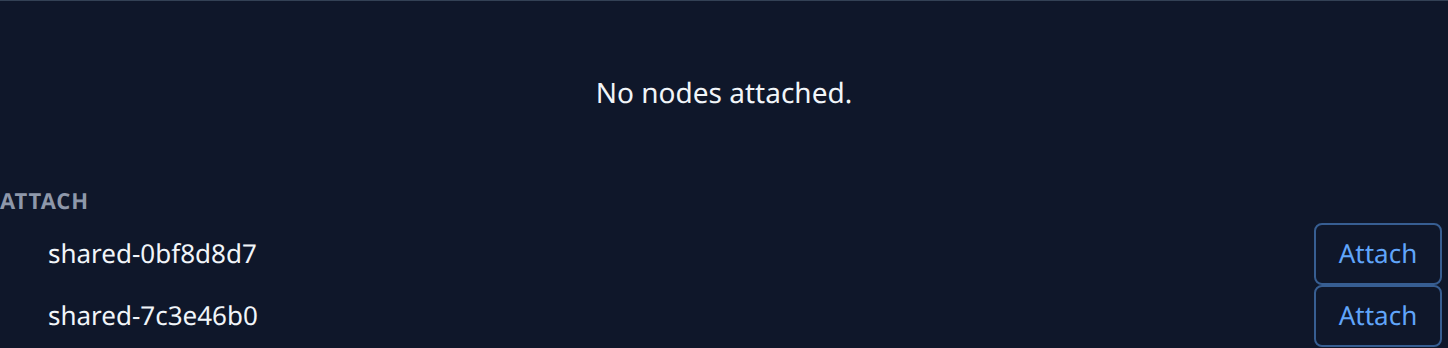
Select the Nodes tab and select Attach beside each node from step 1. A node left out runs the project's tasks without the folder.
-
Wait until every attached node reads Mounted. A node that reads Not mounted shows why beneath it; Set up the network for NodeLink covers the usual causes.
-
Tell the project's agents what the folder is for. In the project's Settings tab, section General, add a line to its Agent instructions, then select Save: for example "Read the training data from the Shared datasets NodeLink; never write there." Agents already learn each mounted NodeLink's name and path; the instruction says how to use it.
-
Check it end to end: file one task that writes a small file into the NodeLink, then another that reads it back. When they run on different nodes, the second finds the file.
What to keep in mind
- Every process on every attached node can read and change everything in the NodeLink, so keep secrets out of it and attach it only to nodes you trust with all of its files.
- Files in a NodeLink can't be run as programs from there. Keep scripts and tools in the repository, and data in the NodeLink.
- Two tasks writing the same file at the same moment can overwrite each other. Give each task its own file or folder when several run at once.
- A node whose shape runs each session in its own MicroVM doesn't give its sessions the NodeLink. See Choose a node's shape.
Related
- Attach a NodeLink to nodes — create a NodeLink, give it storage, and attach or detach nodes.
- Projects — a project's Node groups and its Agent instructions.
- Networks › NodeLink — every field and tab of a NodeLink.