New task
The new task form is where you describe a piece of work and choose how Jaah runs it. It opens beside the board when you select + on the task board, or Task in its ▼ menu. The same form, filled in, is the Task tab of every task page.
For the steps, see Start a task. To start a conversation instead, see New chat.
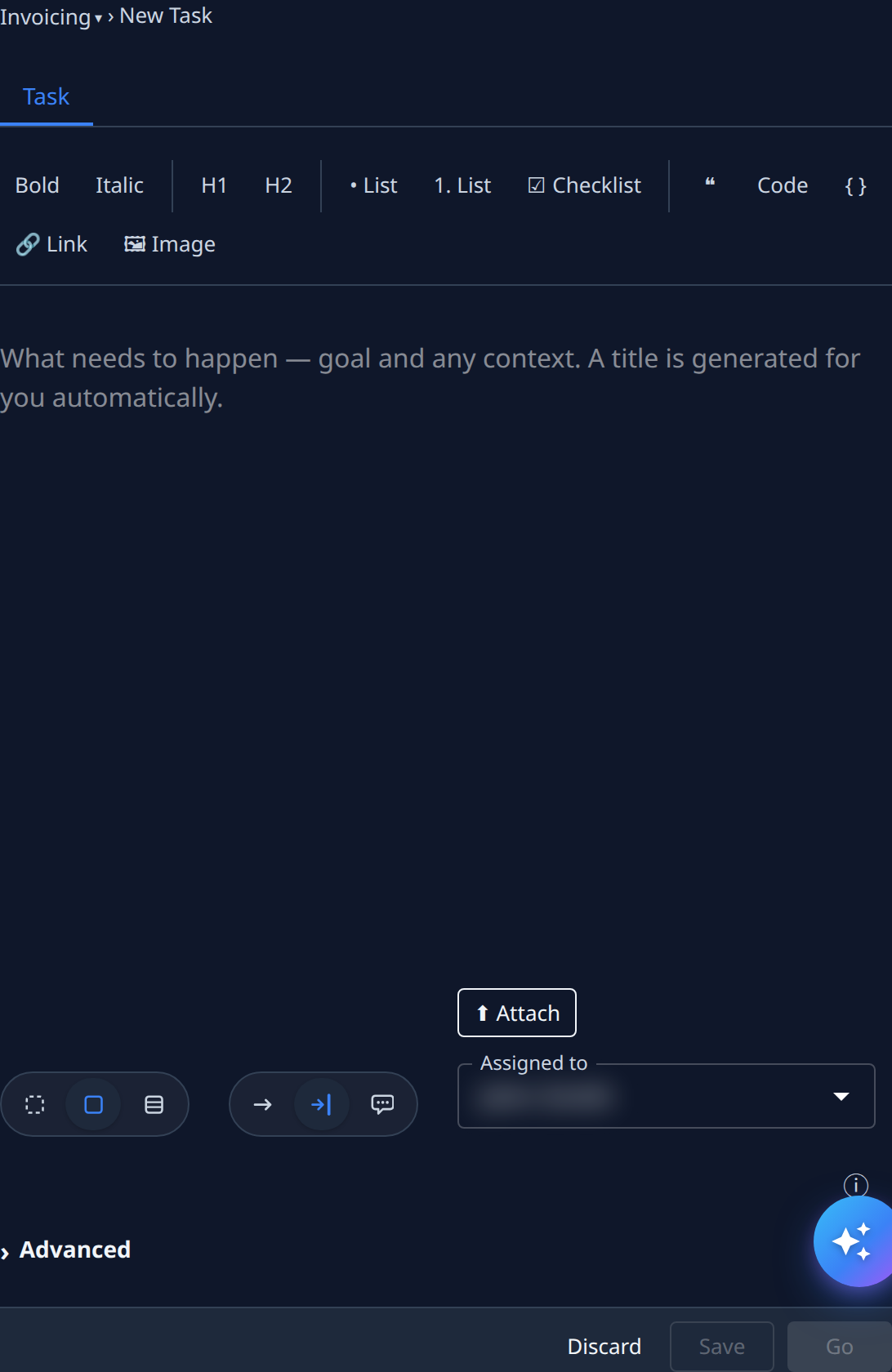
The form
| Item | What it does |
|---|---|
| Breadcrumb | The project and feature the task is filed under. Select either to change it. |
| Formatting bar | Bold, Italic, H1, H2, • List, 1. List, ☑ Checklist, a quote, Code, a code block, Link and Image. |
| Description box | The goal and any context: What needs to happen — goal and any context. A title is generated for you automatically. Paste or drop screenshots straight in. |
| Attach | Adds files to the task. |
| Size buttons | How big the task is. See Size. |
| Involvement buttons | How much the runner asks you. See Involvement. |
| Assigned to | The person the task is for. It starts as you. |
| ⓘ | Shows help under every field. |
| Advanced | Opens the settings most tasks never need. See Advanced. |
Hover a size or involvement button for its name and what it means. Your organization's settings choose which buttons start selected.
Size
| Button | Means |
|---|---|
| Sketch | A quick mockup to look at. |
| Task | One runner ships it as a merged change. |
| Epic | Analysed and split into subtasks first. See Start an epic. |
| Playbook | Runs one of your organization's playbooks. Shown only when the Playbooks setting is on. See Run a playbook on a task. |
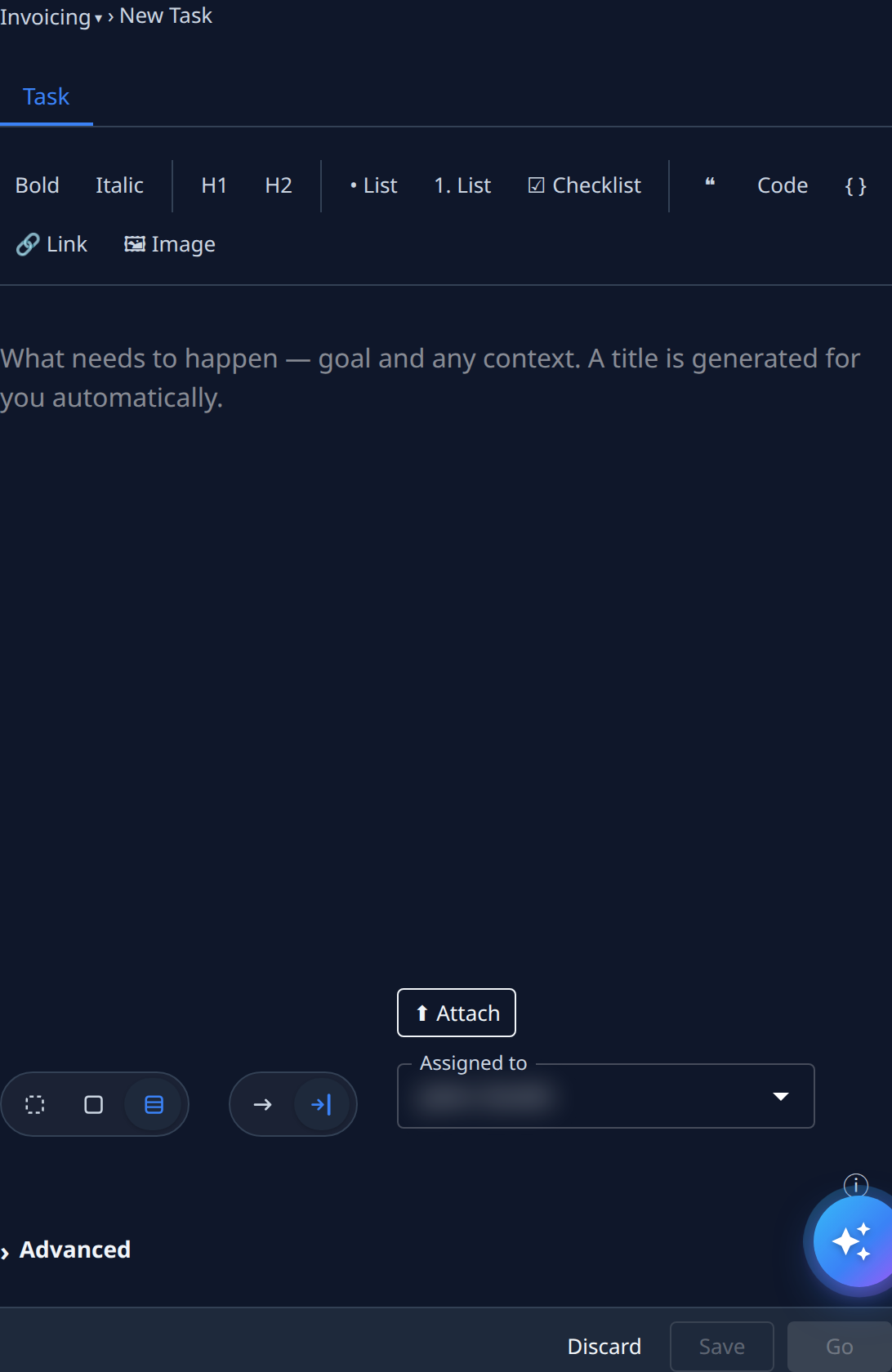
A playbook can't be changed once the task is saved: the button then says Playbook is fixed after save.
Involvement
| Button | Means |
|---|---|
| Unattended | The runner decides everything itself. |
| Guided | The runner asks you before key decisions. |
| Chat | Talk it through with an advisor. Selecting it turns the form into a new chat. Not offered for an epic. |
Advanced
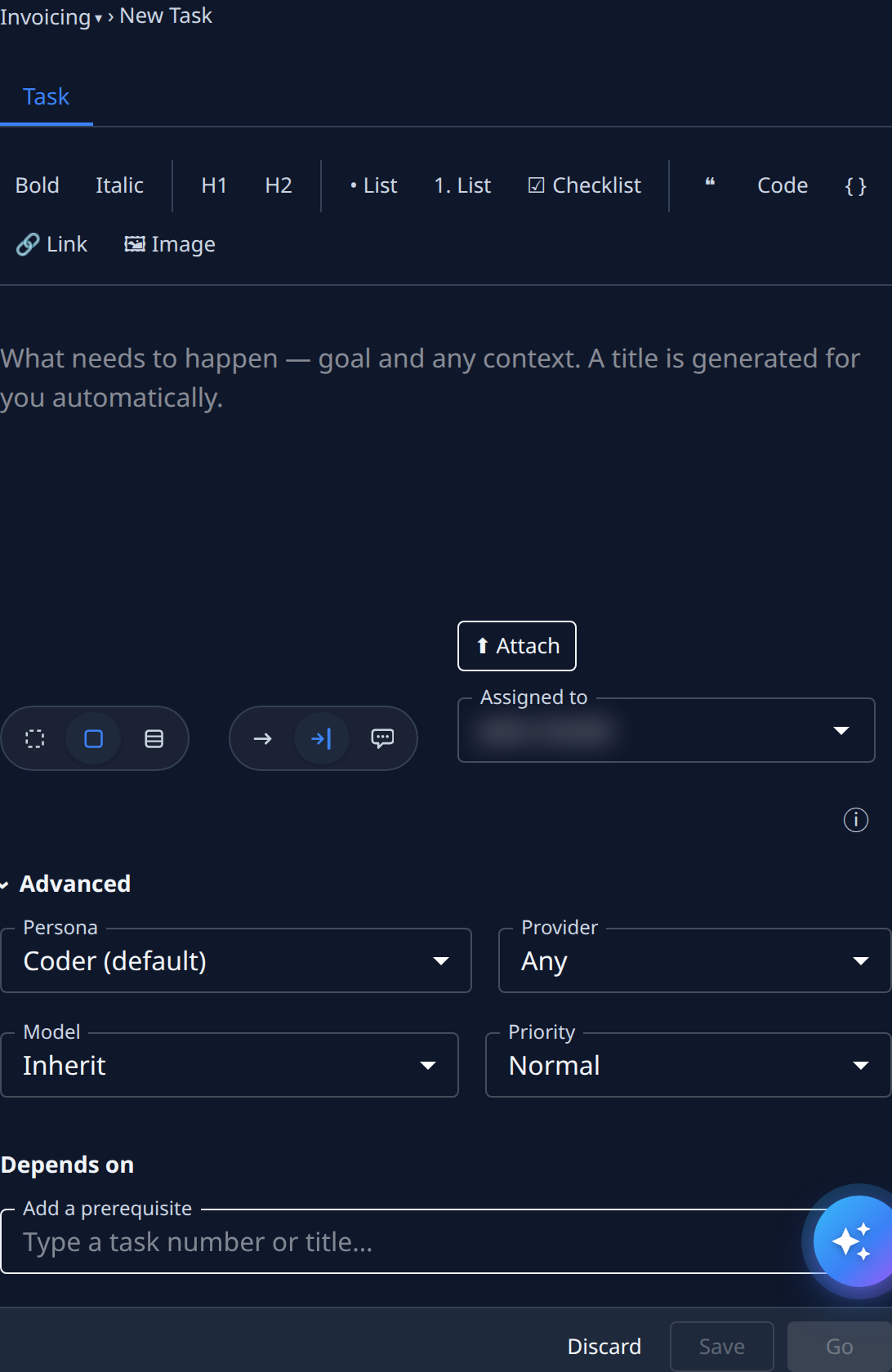
| Setting | What it does |
|---|---|
| Persona | The kind of expert that runs the task. Coder is the default. Not shown for an epic. |
| Provider | Which AI provider may run it. Any lets any provider run it. Org Owners and Admins only. |
| Model | The model level. Inherit uses the task's default, then the project's. Org Owners and Admins only. |
| Priority | How soon it runs compared with other tasks. Normal is the default. |
| Depends on | Tasks that must finish first. Type a task number or title in Add a prerequisite. |
What each persona does is in Personas.
The buttons
| Button | What it does |
|---|---|
| Discard | Leaves without creating the task. |
| Save | Saves the task as a Draft, to start later. |
| Go | Saves the task and starts it. |
Save and Go stay unavailable until the description has text. While you type, Jaah keeps your work as a draft, so a closed tab doesn't lose it.
If no project in your organization can run tasks, the form says No project has Dispatch on — turn it on first. An admin turns on Dispatch enabled on the project's General tab. See Projects.