Rename a NodeLink or describe it
A NodeLink's name is what people pick it by and what agents are told when a task starts on a node that mounts it. Rename it when the name no longer says what is in the folder, and add a description so other admins know what it is for. Renaming changes only the words: the Mount path stays as it is, so every attached node keeps the folder where it was and no task loses its files.
Who can do this: the permission to edit credentials. Without it the fields are greyed and the form shows Back instead of Cancel and Save. The NodeLink tab shows only while your plan includes NodeLink.
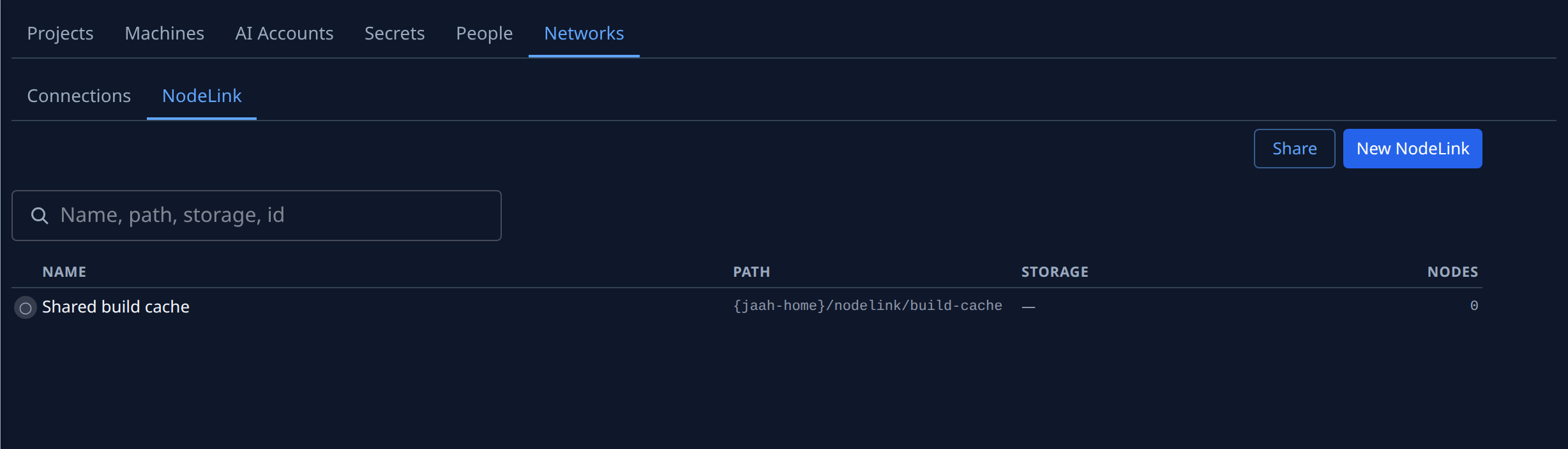
- In the sidebar, select Directory, then the Networks tab, then NodeLink.
- Find the NodeLink. Type part of its name, path or storage in the search box to narrow the list.
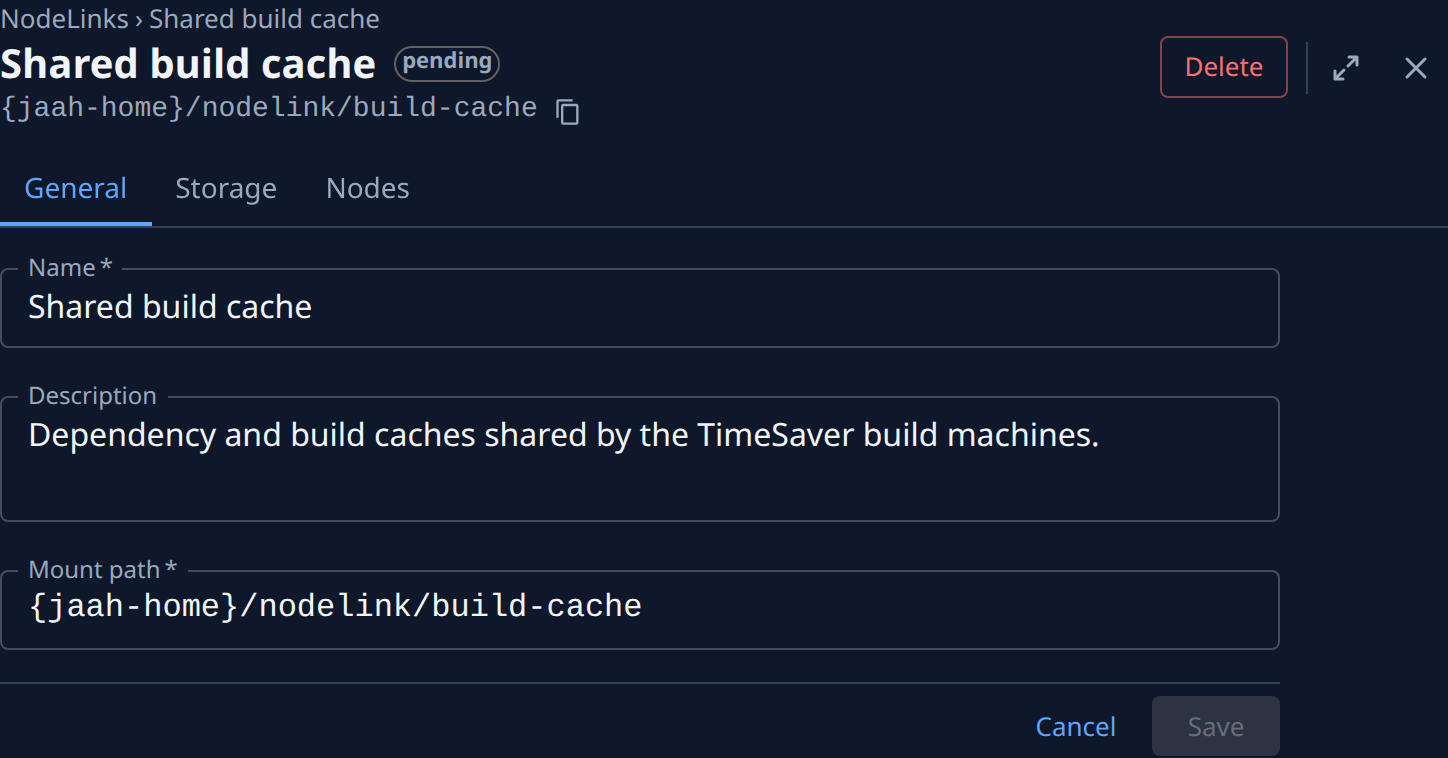
- Select its name. Its page opens on General.
- Type the new Name. It can be up to 100 characters and must differ from every other NodeLink's name in your organization; capitals don't count as a difference.
- Type a Description, or change the one there. It is a note for people and changes nothing on the nodes. Clear the field to remove it.
- Leave Mount path as it is. Changing it moves the folder on every attached node: see Change where a NodeLink mounts.
- Select Save. Saved. shows beside the button. If another NodeLink already has the name, the reason shows instead; pick another name and save again.
- Select NodeLinks in the breadcrumb above the name. The list shows the new name, with the same path and node count as before.
A NodeLink that is being deleted can't be renamed. If you leave the page with changes you haven't saved, Jaah asks whether to save them first.
The new name reaches agents the next time a task starts on an attached node. If a project's Agent instructions name the NodeLink, update them too: see Share files between tasks on different nodes.
Related
- Attach a NodeLink to nodes: create a NodeLink and choose its storage.
- How NodeLink works: where the files live and how a node mounts them.
- Networks › NodeLink: every field and tab of a NodeLink.