Find where epics stall
An epic moves through its stages in order: Analyze, Design, Plan, the Coder subtasks, then the merge. When many epics start but few deliver, the useful question is where they stop. The Epic funnel on the command center's Delivery tab counts how many epics got past each stage, so the stage with the biggest drop is where to look first.
Who can do this: requires the org owner or org admin role. Only Owners and Admins see the command center.
-
In the sidebar, select Reports. The command center opens.
-
In the bar, pick a range that covers a good number of epics, such as 30d or 90d. The funnel counts the epics started in the range. To look at one project, pick it in Project.
-
Select the Delivery tab and scroll to Epic funnel.
-
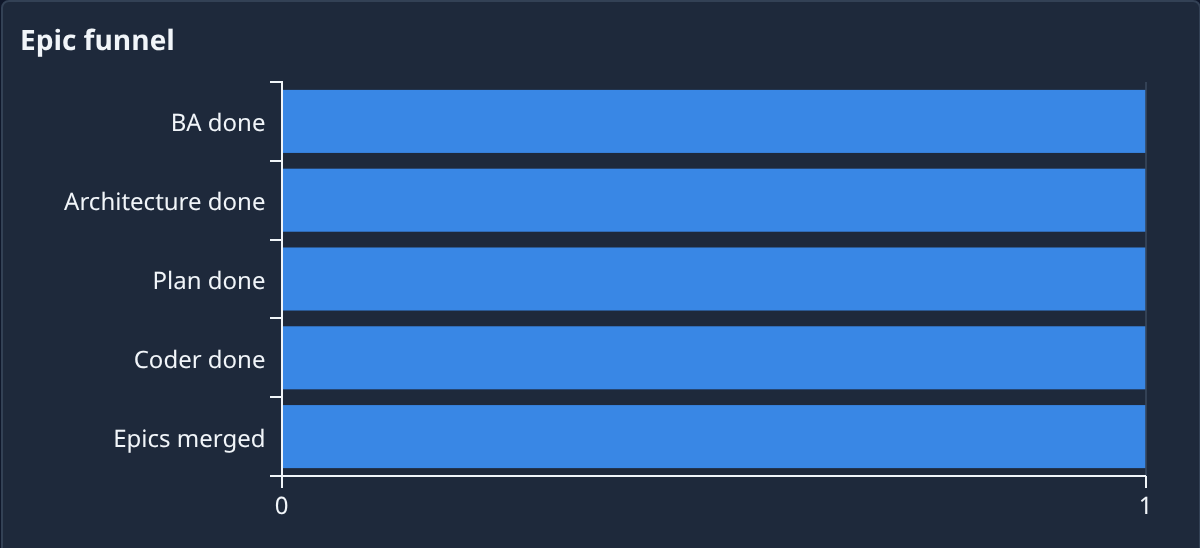
Read the bars from the top. BA done, Architecture done, Plan done and Coder done count the epics started in the range whose Analyze, Design, Plan or a Coder subtask finished. Epics merged counts those with a merged change.
-
Hover a bar. It reads its count, the share of the stage before it, such as 50% of prior (the first bar compares with the epics started), and how many it lost, such as 2 lost.
-
Find the bar with the biggest loss. That is the stage your epics stall at.
-
Scroll up to Open epics, beside Created vs done. The chips above the list count the open epics at each stage, and each row gives the epic, its Project and its Stage. Look at the epics sitting at the stage you found.
-
Select an epic's name to open it, then its Subtasks tab, and act on the subtask it waits on.
Each stage is counted on its own, so a bar can be longer than the one above it, and its share can pass 100%. No open epics means nothing is in progress now; the funnel still counts the epics started in the range.
What the stall usually means
- Analyze or Design: a Guided epic often waits for your answers there. See Answer the questions a guided epic asks.
- Coder: a build subtask failed or keeps failing. See Get a failed epic going again.
- Epics merged: changes are built but not merged, often held by the project's merge rules. See Use the merge lane.
Related
- How epics and features work: the stages and what each hands on.
- Check what your team delivered: the rest of the Delivery tab.
- Read the command center: every tab and tile.