Review an epic's requirements, design and plan
Before an epic builds anything, its Prepare stages write down what they decided: Analyze the requirements, Design the approach and Plan the build subtasks. Read them to check the epic understood what you asked, or later to see why the result looks the way it does.
Who can do this: anyone who can open the epic. Nothing here changes it.
Read the decisions
-
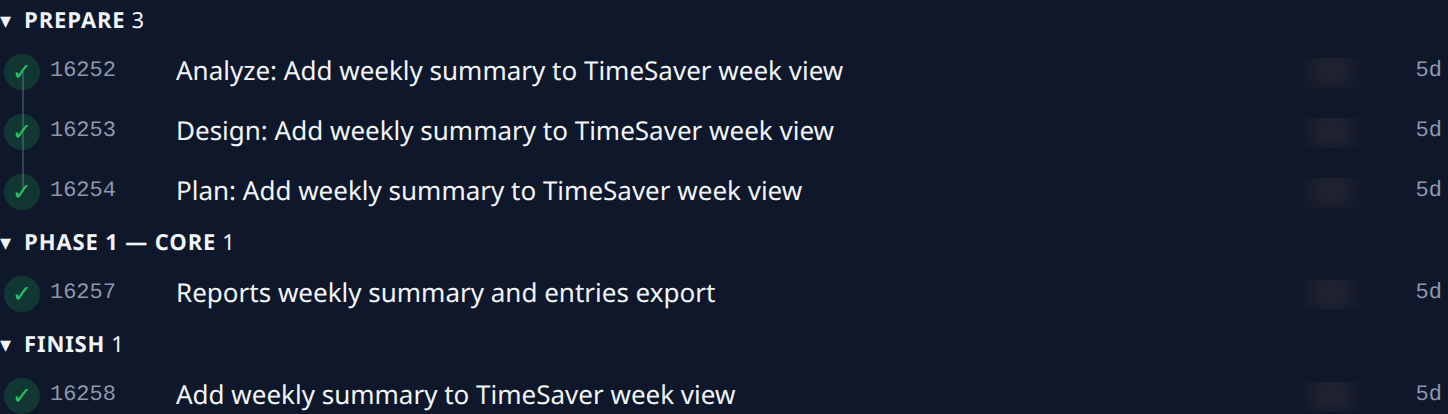
Open the epic from the board and select the Subtasks tab. Prepare lists Analyze, Design and Plan, in the order they run.
-
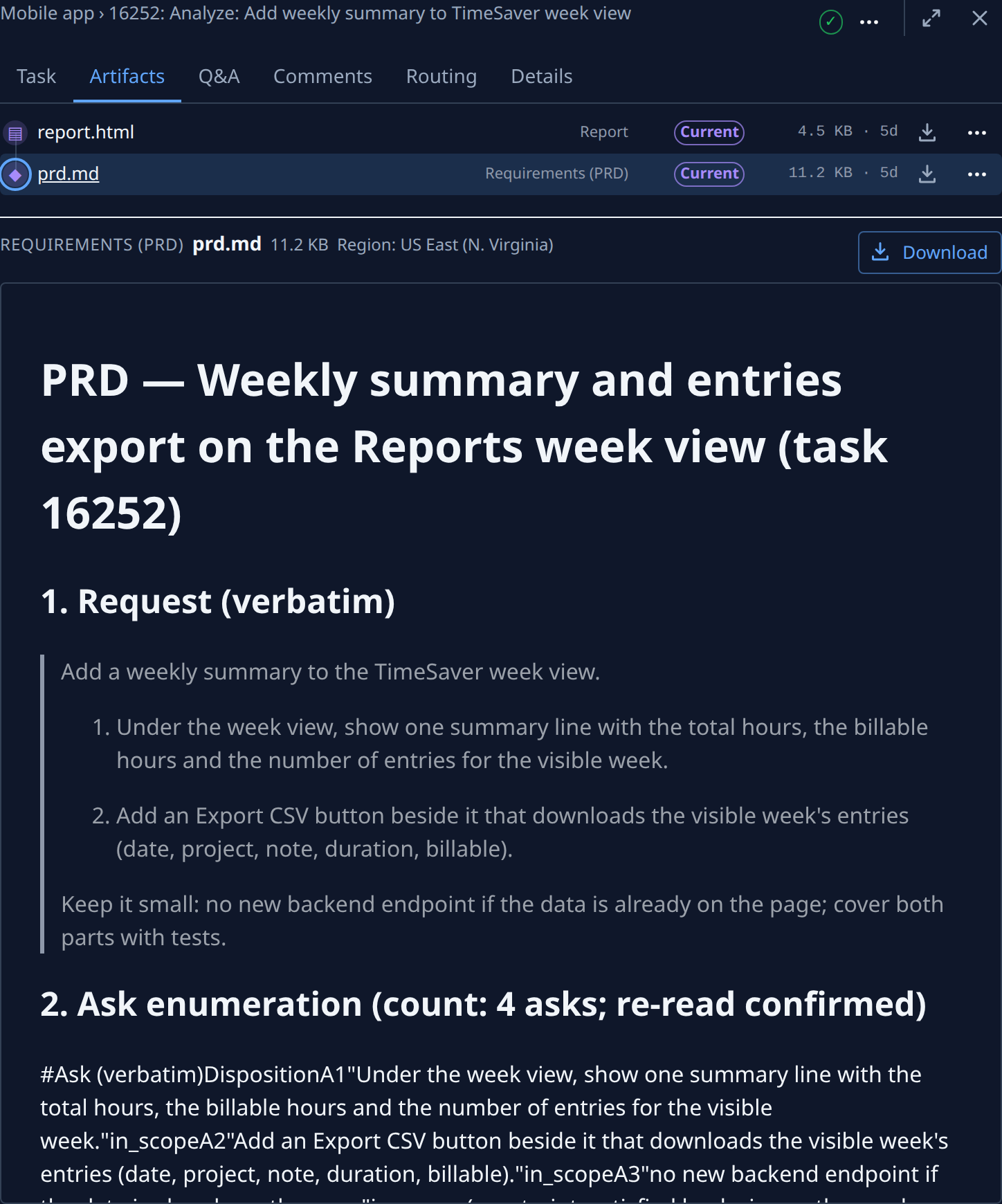
Select the Analyze subtask's title, then its Artifacts tab. report.html (kind Report) sums up what it found; prd.md (kind Requirements (PRD)) holds the full requirements.
-
Select the prd.md row to read the requirements below the list. Select Download to keep a copy.
-
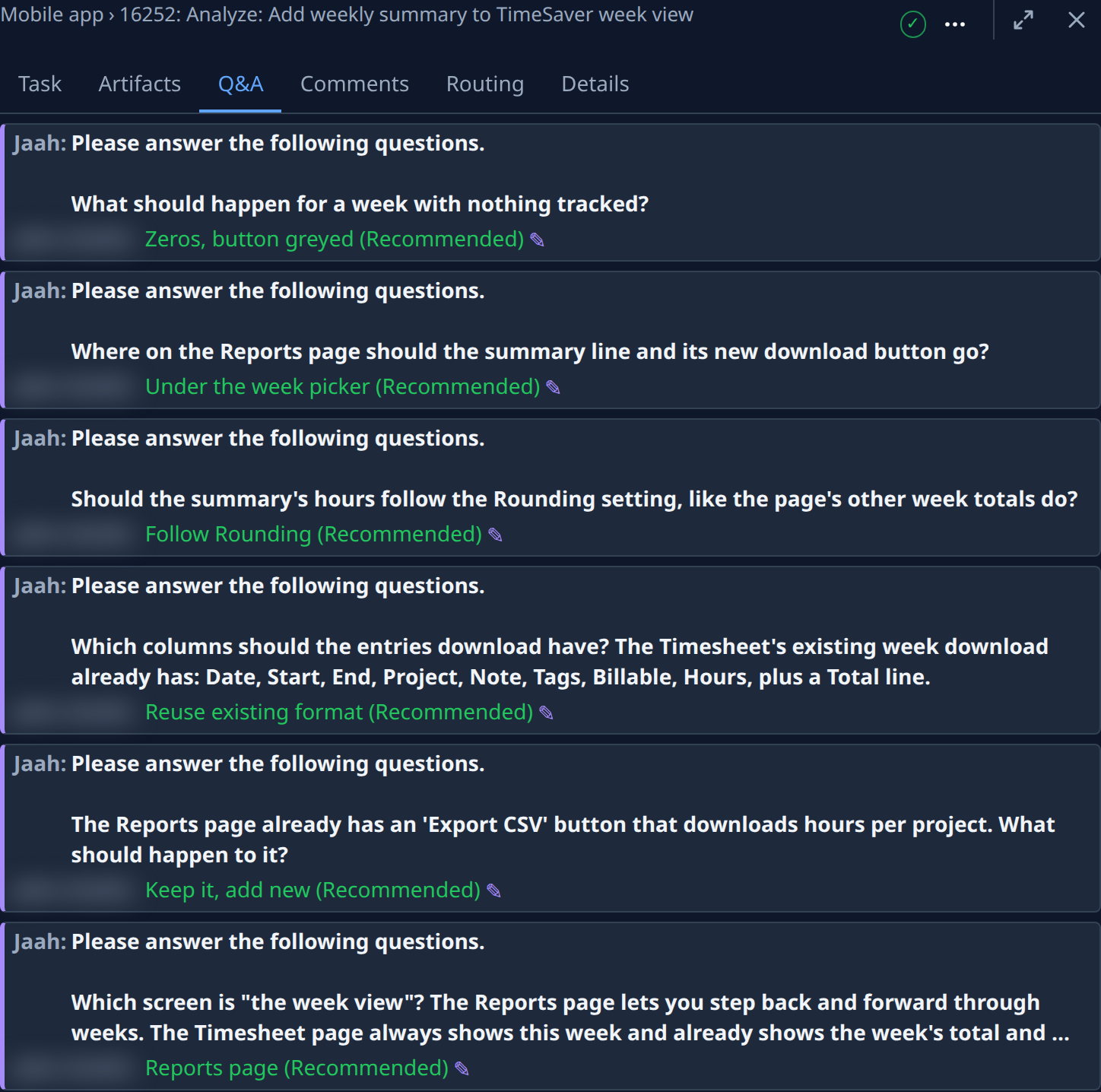
Select the Q&A tab to see each question Analyze asked and the answer it got. An epic started as Guided asks here; an Unattended one decides alone, so the tab may not show.
-
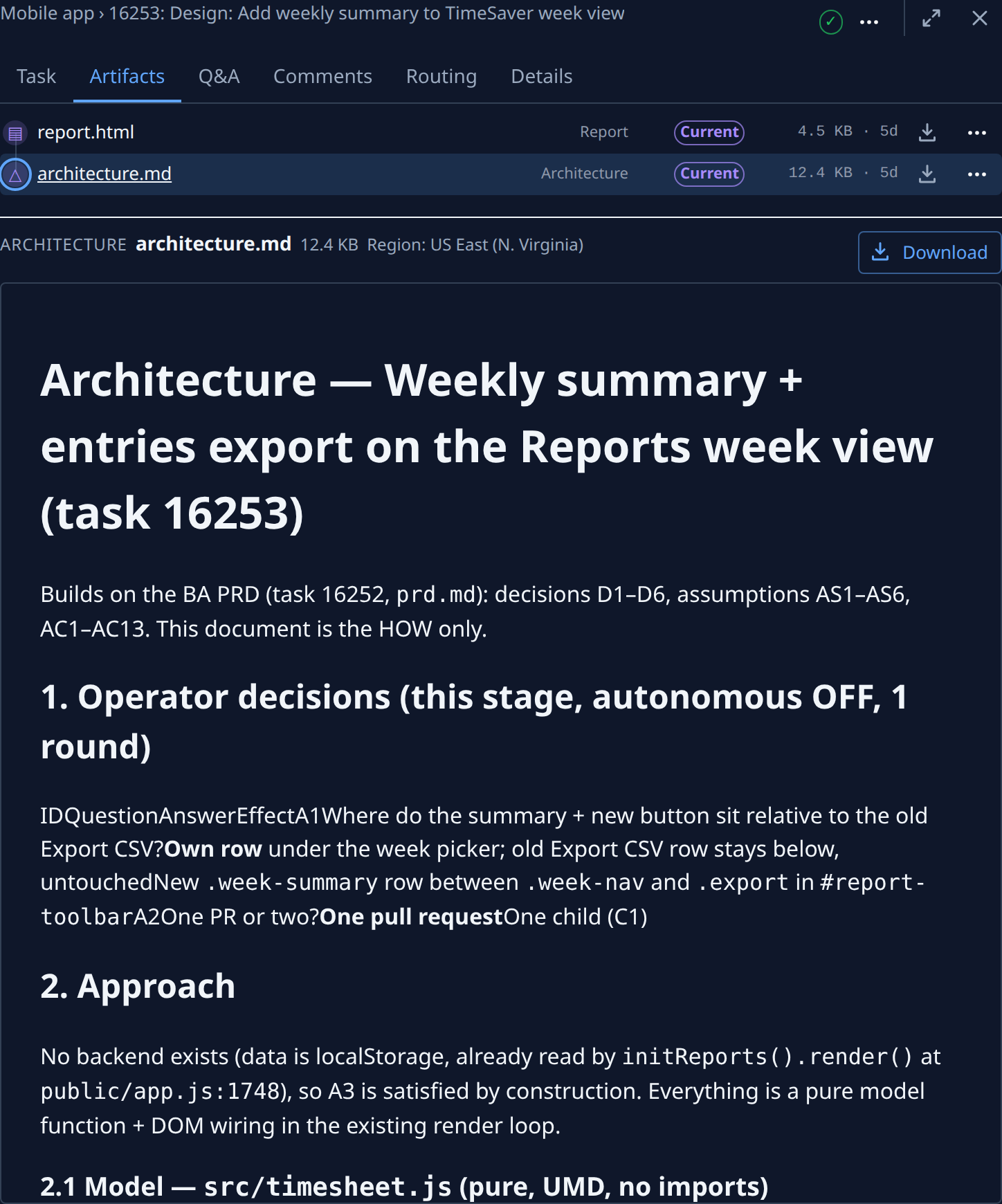
Go back to the epic, open the Design subtask, then its Artifacts tab. Select architecture.md (kind Architecture) to read the chosen approach. Its Q&A tab holds the design questions.
-
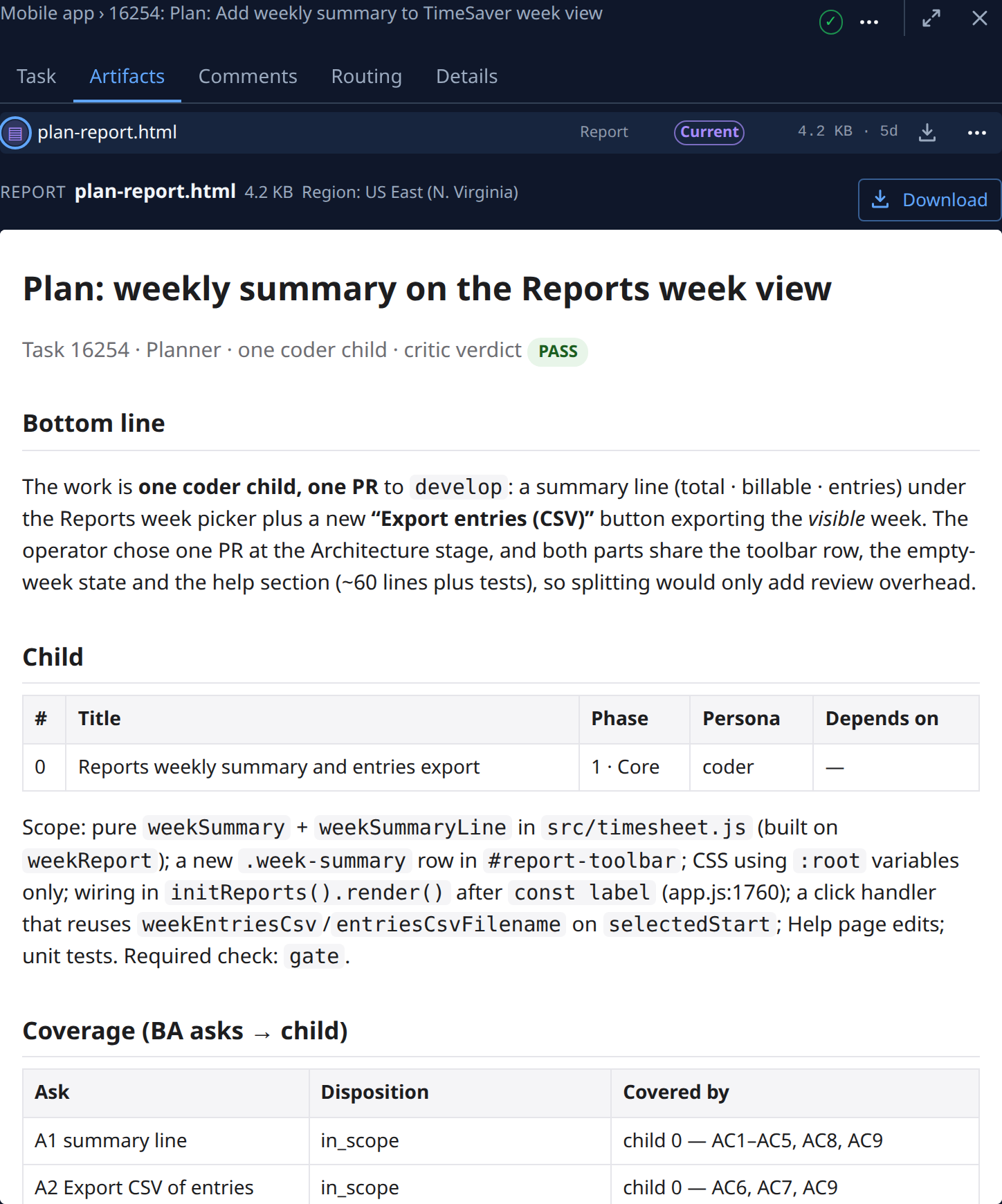
Go back to the epic, open the Plan subtask, then its Artifacts tab. Its report lists each build subtask, the phase it belongs to and what it depends on.
-
Compare the plan with the epic's Subtasks tab: each build subtask it lists appears under its phase, such as Phase 1 — Core.
A stage that hasn't finished yet has no document. To read each one before the next stage starts, see Run an epic one stage at a time.
If a stage got it wrong
- Redo just that stage: Steer an epic's subtasks.
- Change what you asked for and start over: Run an epic again from the start.
Related
- How epics and features work: what each stage hands on to the next.
- Read a task's result: the Artifacts tab for any task.
- Task page: every part of the Artifacts and Q&A tabs.