Record CloudWatch alarms as incidents
CloudWatch alarms reach Jaah through the Amazon SNS topic they already notify. Once Jaah is subscribed to that topic, each alarm that goes into ALARM is recorded on Incidents under one project, with the pull requests Jaah suspects, and turns Resolved when the alarm goes back to OK. The connection is an automation whose source is CloudWatch. It only records incidents and files no task by itself.
AWS signs every SNS message itself, and Jaah checks that signature, so there is no secret to copy.
Before you start: Production QA is a plan feature. While your organization doesn't have it, CloudWatch is not offered as a source. Your alarms must already send their notifications to an SNS topic, and you need to be able to add subscriptions to that topic in AWS. Have the topic's ARN ready.
Who can do this: automations are for your organization's Owners and Admins.
Connect CloudWatch
-
In the sidebar, select Audit, then the Automations tab, and select New automation.
-
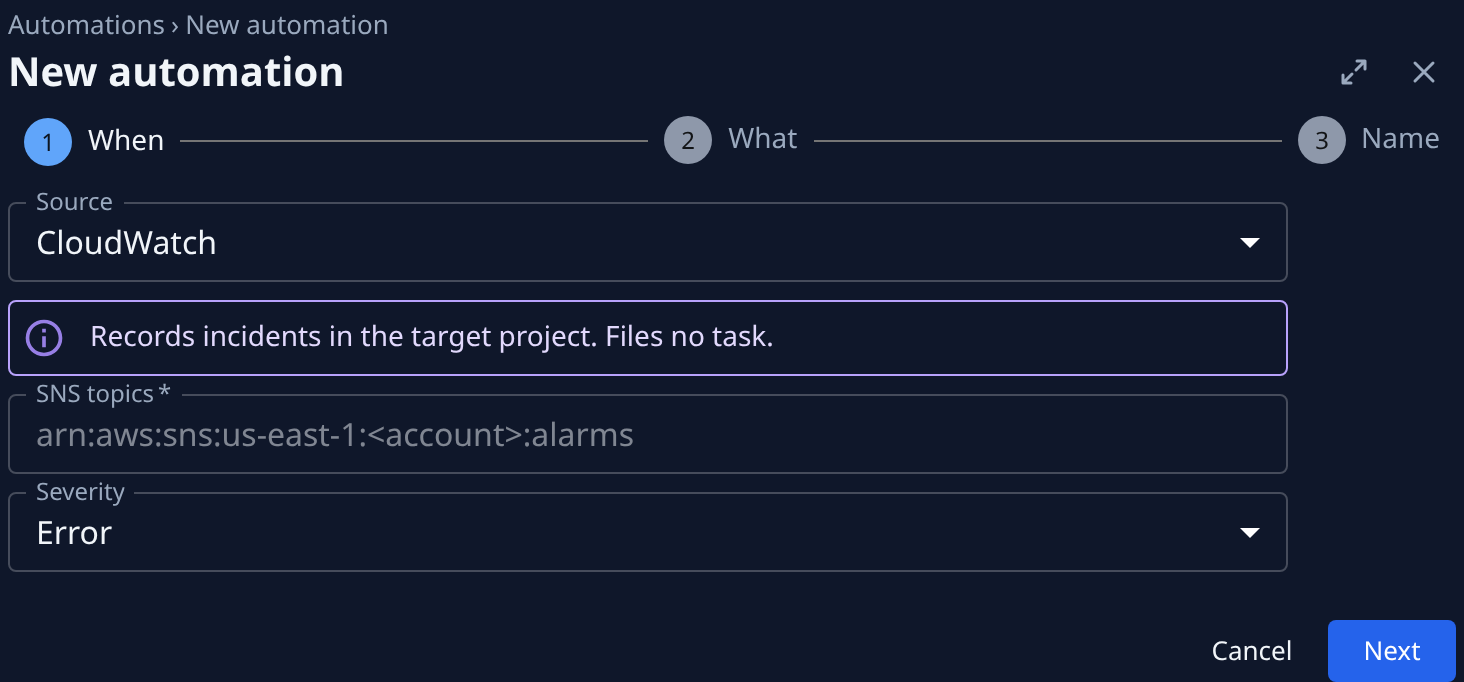
On When, set Source to CloudWatch. In SNS topics, enter the ARN of the topic your alarms publish to; separate several with commas. Jaah refuses a message from any topic not listed here.
-
In Severity, pick the severity every alarm is recorded with, since CloudWatch sends none. It starts at Error. Select Next.
-
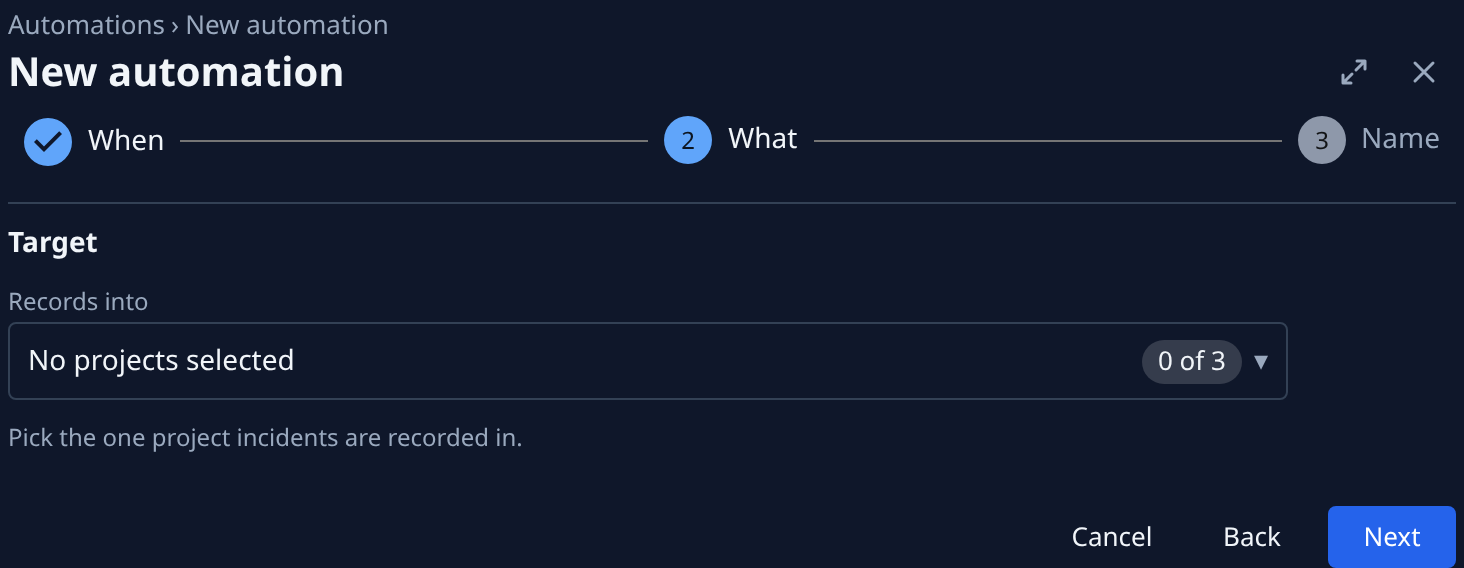
On What, under Target, pick the one project the alarms belong to in Records into. Select Next.
-
On Name, enter a Name you'll recognize, such as
CloudWatch: production alarms, and select Create. -
A Store this secret now dialog opens. AWS signs SNS messages itself, so you won't use this one: select I’ve stored it.
-
On the automation's Setup tab, under Endpoint, select Copy URL beside Endpoint. Protocol reads HTTPS.
-
In the AWS console, open the alarms' SNS topic and select Create subscription. Set the protocol to HTTPS, paste the URL as the endpoint, and create it.
-
Refresh the topic's subscriptions in AWS. Jaah confirms the subscription on its own while the automation is active, and its status turns Confirmed. If it stays pending, check that the automation is not paused.
Check the first alarm
- Wait for an alarm on that topic to go into ALARM.
- Select Incidents in the sidebar. Set Project to the project you picked and Type to Monitor.
- The alarm shows as an incident, Open, titled with the alarm's name and its description, at the severity you picked. Open it: Suspects lists the pull requests Jaah suspects. CloudWatch sends no link to the alarm, so there is no Vendor link.
When the alarm goes back to OK, the incident turns Resolved. An alarm in INSUFFICIENT_DATA records nothing.
Nothing there? Check that the alarm's action notifies the topic you listed, that the ARN in SNS topics matches it exactly, and that the subscription in AWS is Confirmed.
Related
- Record monitoring alerts as incidents: the same connection for Sentry.
- Triage open incidents: work through what arrives.
- Turn on Production QA for a project: have Jaah file a task for each new incident.
- Automations: every field on the automation's page.