Tell whether two incidents are the same problem
When an alert fires again, Jaah adds to the existing incident's Count instead of listing a new one. It decides that an alert is a repeat by its grouping key: two alerts with the same key, in the same project, are the same incident. Use this guide when two incidents look alike and you want to know whether to fix them together, or when a repeat you expected on the list only raised a count. How incidents are recorded is in How Production QA works.
Before you start: Production QA is a plan feature. While your plan does not include it, Incidents is left out of the side menu and opening the page shows Not on your plan.
Who can do this: anyone who can view the project.
-
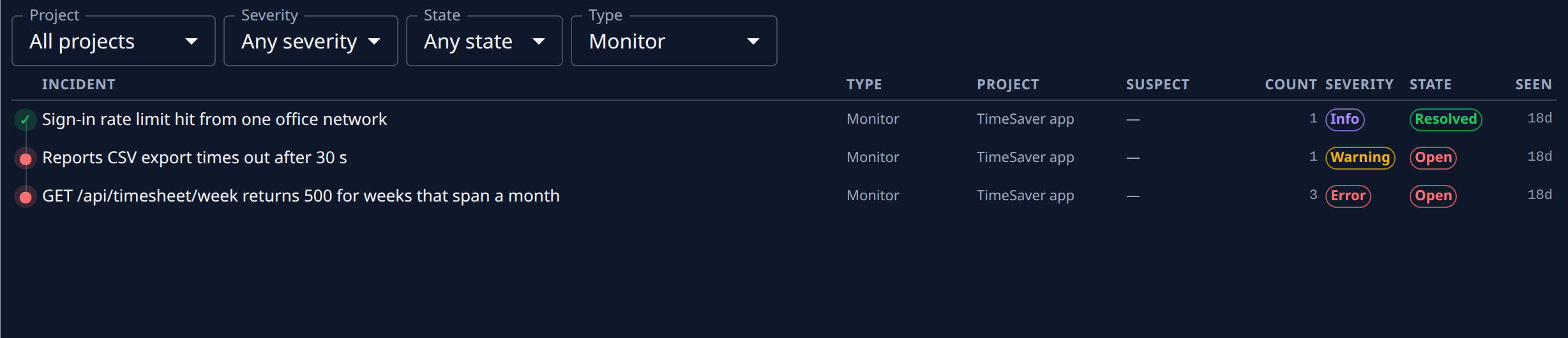
Select Incidents in the side menu. Set Project to the project, and Type to the kind of incident, such as Monitor, so only comparable rows are left.
-
Note the Count of each row you are comparing. A count above 1 means repeats were already grouped into that incident.
-
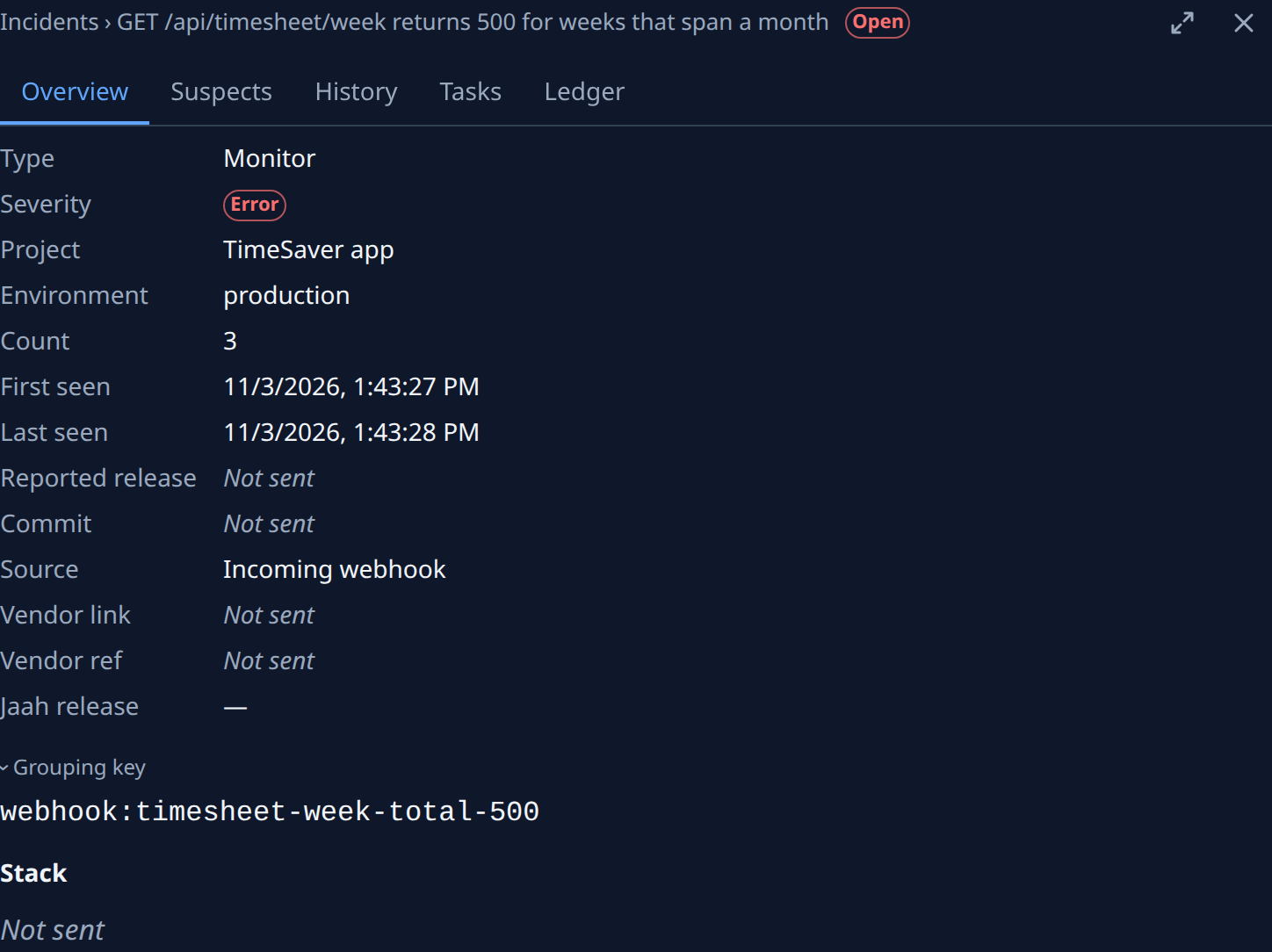
Select the first incident's title. It opens on Overview.
-
Under the fields, select Grouping key to open it, and note the key.
-
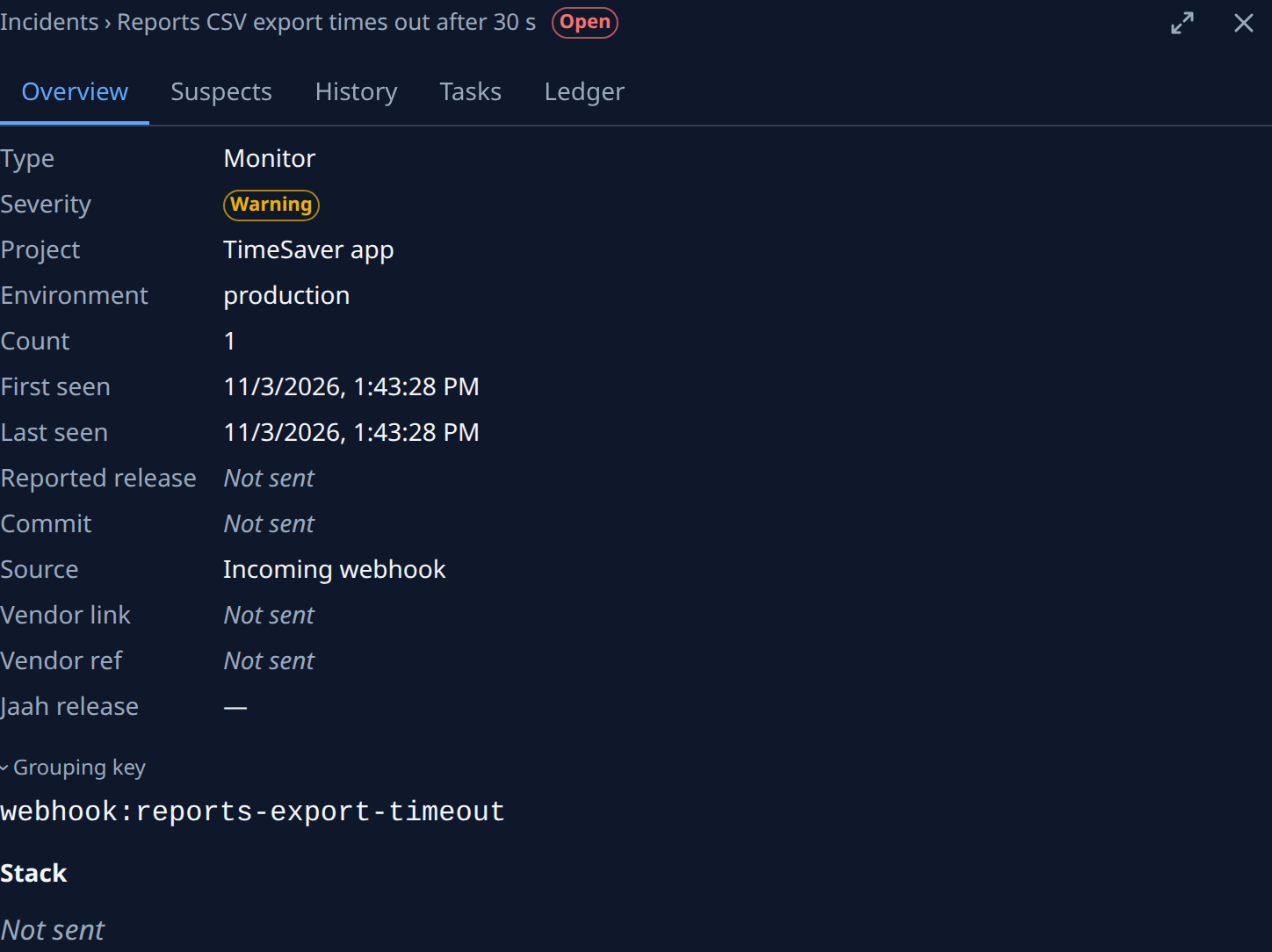
Go back to Incidents with the breadcrumb. It keeps your filters. Open the second incident and its Grouping key the same way.
-
Compare the two keys. Different keys mean Jaah treats them as two problems, even when the titles are close. Each gets its own suspects and its own task.
What the key is made of
The key starts with where the incident came from, then what identifies it there:
- Monitor: the ID your monitoring tool sends with each alert, such as the Sentry issue, the PagerDuty incident key, the CloudWatch alarm name with its region and account, the Datadog aggregation key, or the ID an incoming webhook sends.
- Release failed: the environment, the workflow and the job that failed. A failure of another job in the same workflow is a separate incident.
- Health: the environment and the health URL or smoke command that failed.
- Regression: the environment and the metric that rose.
- Lane slowdown: the gate stage that got slower.
To have two alerts grouped together, or kept apart, change the ID your monitoring tool sends; Jaah cannot merge or split incidents itself. An alert that arrives after an incident was resolved, with the same key, reopens that incident rather than adding a new one: see See how often an incident happens.
Related
- Incidents: every field and tab of an incident, including Grouping key.
- Record monitoring alerts as incidents: connect the tool that sends the alerts.
- Find the pull request behind an incident: once you know which incident to work on.