Check a secret's value before you save it
A pasted token can carry a stray space or miss its last character, and a typed password can hold a typo. A secret field hides what you put in it, so check it while it is still on screen: once you save, Jaah never shows the value again, not even to you.
Who can do this: anyone adding a secret, or changing one they can edit.
Check what you typed
-
In the sidebar, select Directory, then the Secrets tab.
-
Select Add secret, then Connect on a service's card, or Other secret for the plain form. To change a saved secret instead, select its name.
-
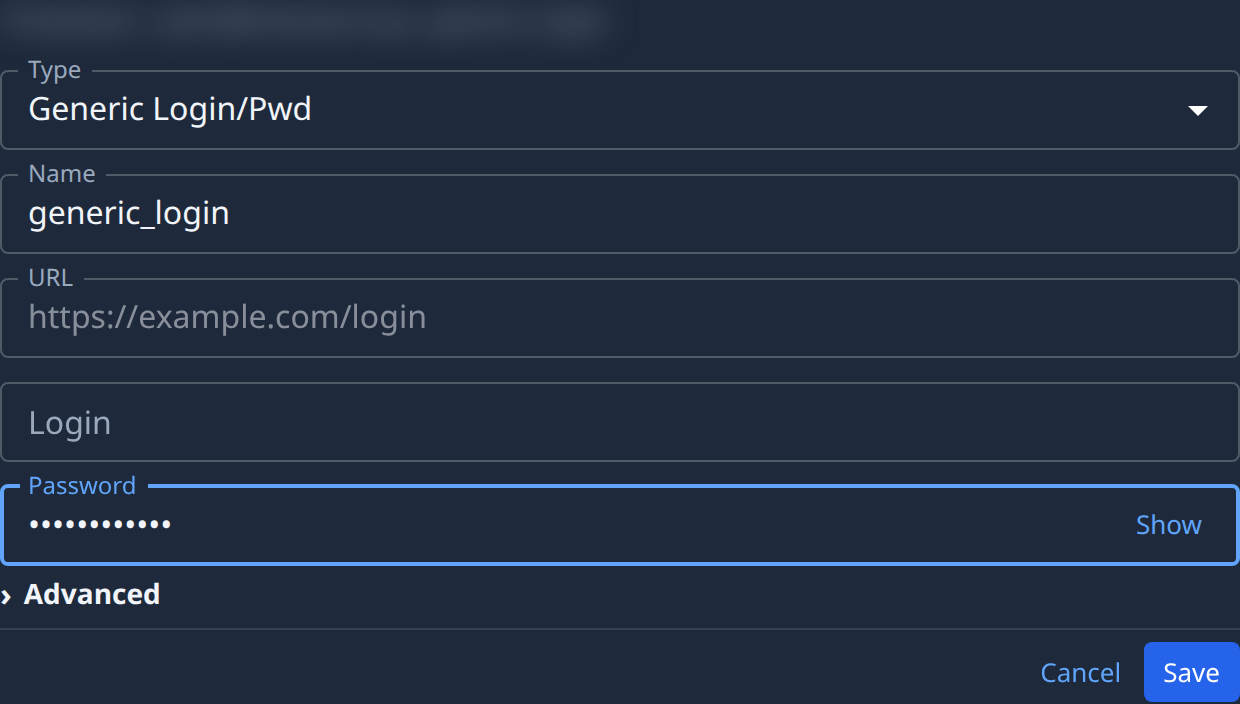
Type or paste the value into a secret field, such as Password or API token. The field shows dots, and Show appears at its right end as soon as it holds a character.
-
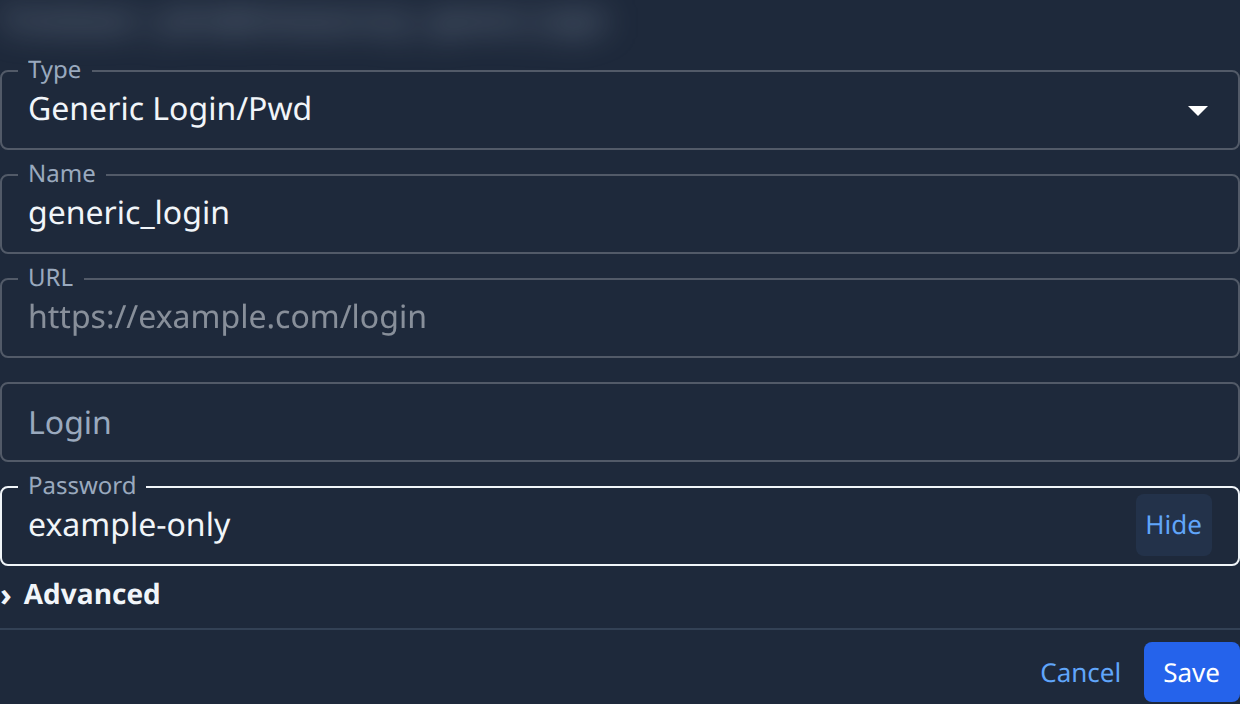
Select Show. The field shows what you typed, and the button reads Hide.
-
Read the value against its source. Fix it in place if it is wrong, or empty the field and paste it again: an emptied field hides again, so the new value starts masked.
-
Select Hide before anyone else can see your screen.
-
Select Save.
Show only ever reveals what you typed in this form. There is nothing to show for a value that was saved earlier.
Tell that a value is stored
You can't read a saved value back, but you can see that one is there:
-
In the list, the round mark before the secret's name is filled when at least one value is stored and hollow when none is. Hover it to see how many.
-
Open the secret. A secret field with a stored value shows a dot mask (●●●●●●●●●●●) and no Show. The dots are a sign, not the value: they look the same for every secret.
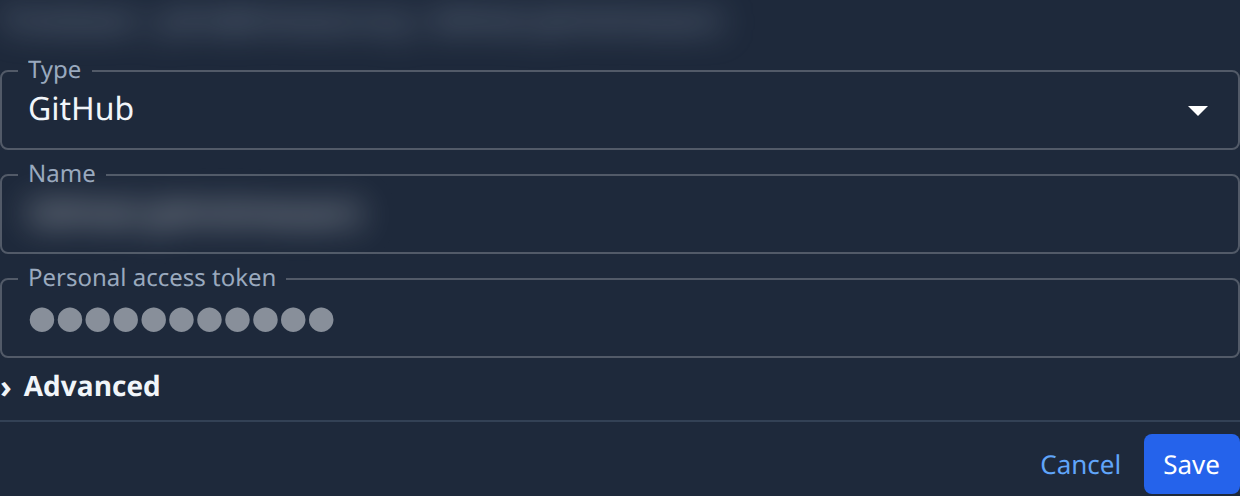
Leave a masked field empty to keep its stored value. To change it, select the field, type the new value and check it as above before you select Save. See Replace or delete a secret.
To see whether the service accepted the saved value, read the secret's last test result: see Test a secret. For what each field means, see the Secrets reference, and for how values are kept, How secrets work.