Link a project to a template
Link a project to a pipeline template to keep its pipeline the same as your other projects'. The template sets the stages and the fields it locks; the project keeps the fields the template leaves open.
Who can do this: anyone who may edit the project, to link and unlink. Org Owners and Org Admins manage and publish the templates.
Link
-
Open the project's Settings › CI Pipeline (Set up a project's pipeline).
-
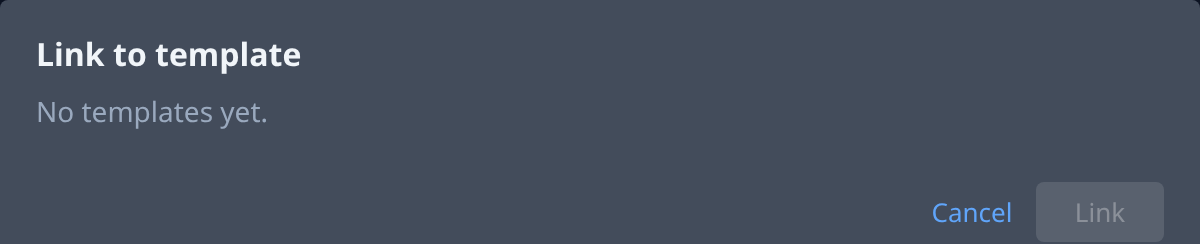
Select Link to template…, beside Start from…. The Link to template dialog opens. When your org has no template yet, it reads No templates yet.; ask an Org Owner or Org Admin to create and publish one.

-
Pick a template. A template that was never published shows Not published and can't be picked.
-
Read What changes: each change linking makes to this project's pipeline. If the tab holds unsaved edits, it also says Your unsaved edits are discarded.
-
Check for a red message under the changes. One of your org's pipeline rules set to Block shows its own message, and so does a stage that would go while it still has tasks on it: move those tasks first. While a message shows, Link stays unavailable (Blocked: see above.).
-
Select Link. The tab now reads Linked to template name · version published date.
Linking gives the project the template's stages, in the template's order. A field the template locks takes the template's value. A field it leaves open keeps the project's own value on a stage the project already had.
Work on a linked project
The tab shows Linked to template name · version published date, with Unlink.
- Stages can't be added, removed, renamed or moved.
- A locked field shows a lock and Set by template, and can't be changed. Per stage: Branch and Address. Per step: Who, Approvals and How it runs (by hand or by itself). A save that changes one is refused, from the console and from an agent's runner alike.
- Open fields stay editable. One you changed shows Changed here; Use template value puts the template's value back, and Save keeps it.
- Start from… is unavailable: it reads "Linked to template name; unlink to start over".
When the template is published again
You get the new locked values, and the new values for open fields you haven't changed; fields you changed stay. A release already running keeps the settings it started with. If the new version can't apply to your project, it stays on its previous version until an Org Owner or Org Admin fixes the cause and selects Update again (details).
Unlink
- In Settings › CI Pipeline, select Unlink beside the template's name.
- In Unlink?, select Unlink. Unsaved edits to the pipeline are discarded.
The project keeps every saved value, and every field is editable again.
Related
- Create, lock and publish a template: Share a pipeline with a template.
- Every stage and step setting: Set up a project's pipeline.