Rename or delete a group
Teams change: a group named after a product gets a new name, or a team breaks up and its group is no longer needed. Rename the group when only its name or purpose changed; its members and roles stay as they are. Delete it when nobody should get access through it any more.
Who can do this: requires the org admin role (Org Owners and Admins). Other members can open a group but can't change it.
Everyone and reserved groups can't be renamed or deleted. A group with a SCIM tag is managed by your identity provider: change it there, as its next sync overwrites edits made in Jaah.
Rename a group
-
In the sidebar, select Directory, then the People tab, then Groups.
-
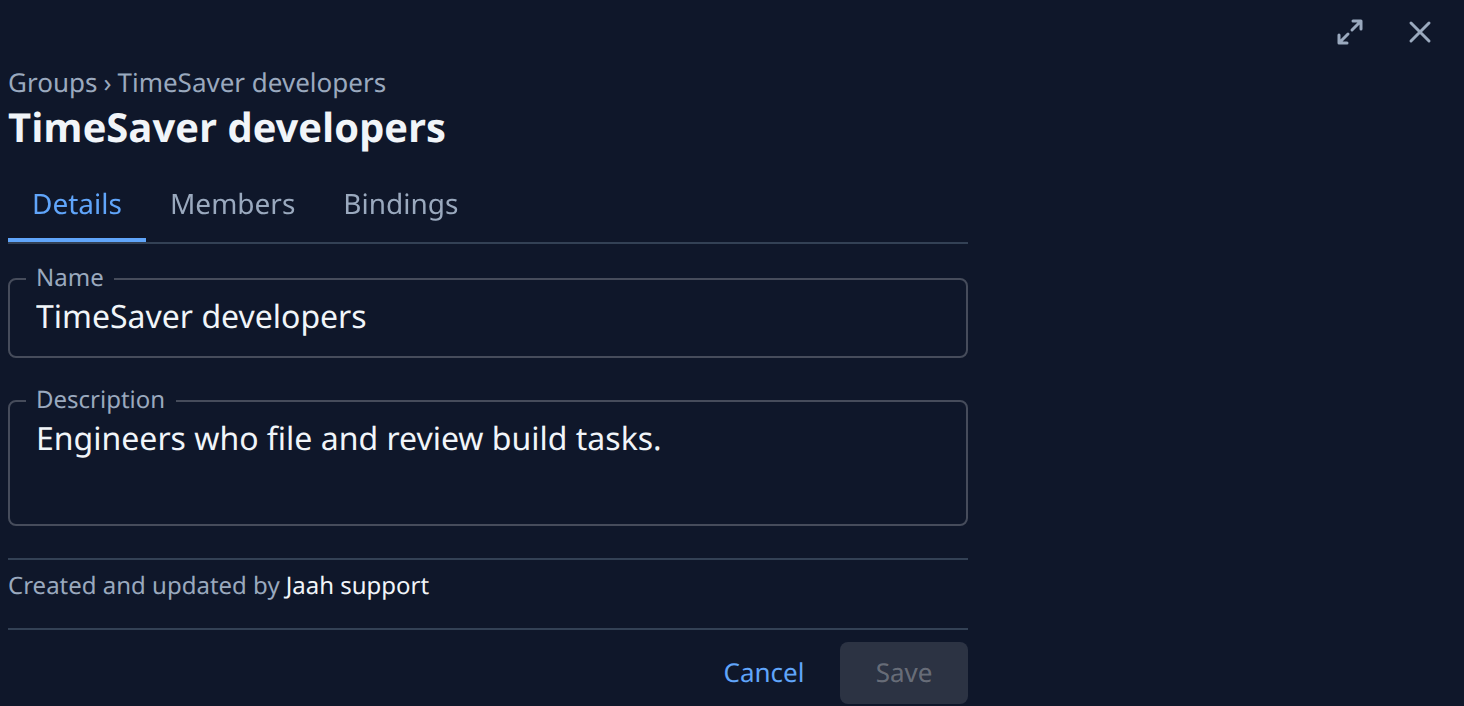
Type part of the group's name in Search above the list, and select the group's row. It opens beside the list, on its Details tab.
-
Change the Name, up to 64 characters.
-
Optional: update the Description so the list says what the group is for now.
-
Select Save. Saved. appears beside the buttons, and the new name shows in the list, in people pickers and on every access line that comes through the group.
Delete a group
Deleting a group takes away every role it grants from each of its members, unless they also hold that role another way. Check first what will go.
-
Open the group as in steps 1 and 2 above.
-
Select the Bindings tab and read the roles the group holds, and where.
-
Select the Members tab and read who is in it. Anyone who still needs one of those roles needs it some other way first: add them to another group that holds it, as in Add someone to groups, or grant it to them directly.
-
Back in the list, select ⋯ at the end of the group's row, then Delete.
-
The Delete group dialog names the group and says every membership and access binding it carries goes with it, for every member. Select Delete.
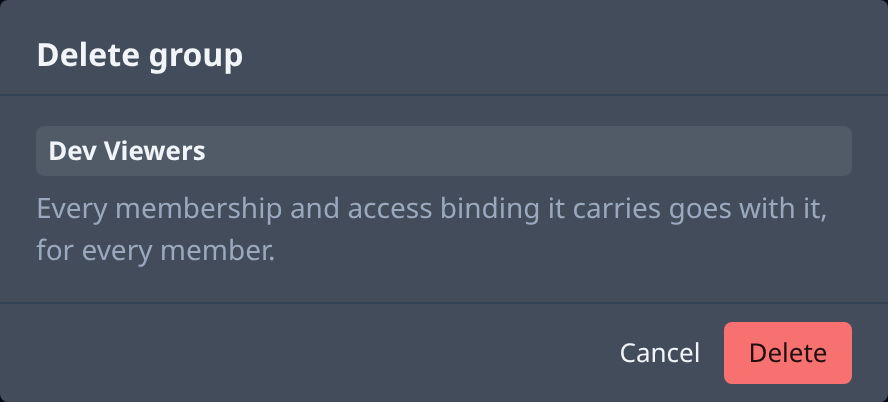
A deleted group can't be brought back. To use the same access again, create a new group and give it its members and roles, as in Create a group.
Related
- How team and access work — groups, roles and where a role comes from.
- Check what someone can access — see what a person keeps after the group is gone.
- Groups — every column and tab of a group.