Connect an MCP server
An MCP server gives agents extra tools, such as looking up library documentation or reading a Miro board. Jaah lists the servers it knows in the gallery's MCP servers category. Connecting one stores a secret for it; a project's agents reach the server once the project links that secret.
Who can do this: everyone. The connection you add is yours unless an Org Owner or Admin picks another Owner.
Add the connection
-
In the sidebar, select Directory, then the Secrets tab.
-
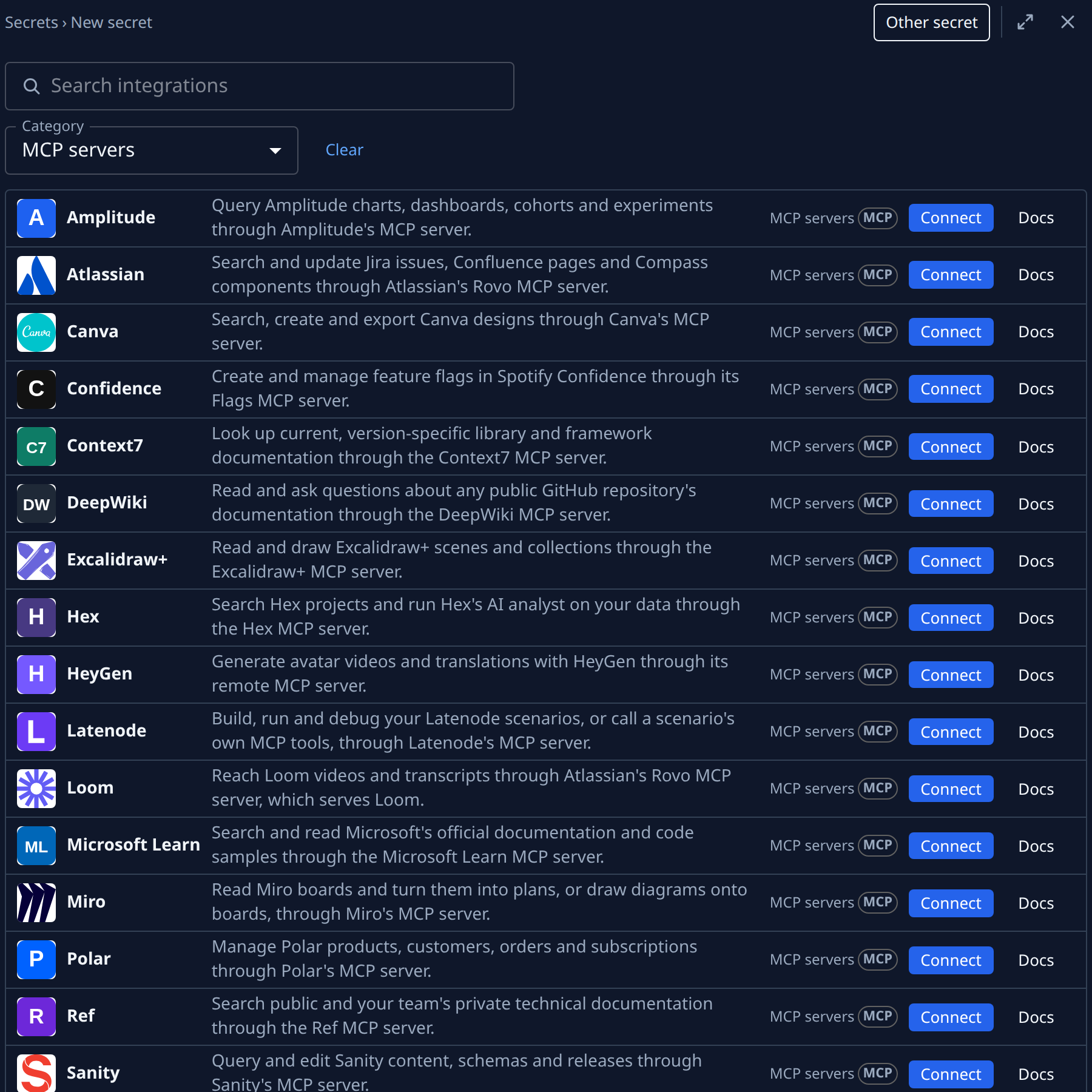
Select Add secret. In Category, pick MCP servers, or type the server's name in Search integrations.
-
Select Docs on the server's card if you need to know what it asks for and where to get it. It opens in a new tab.
-
Select Connect on the card. The form opens with the server's name as its title.
-
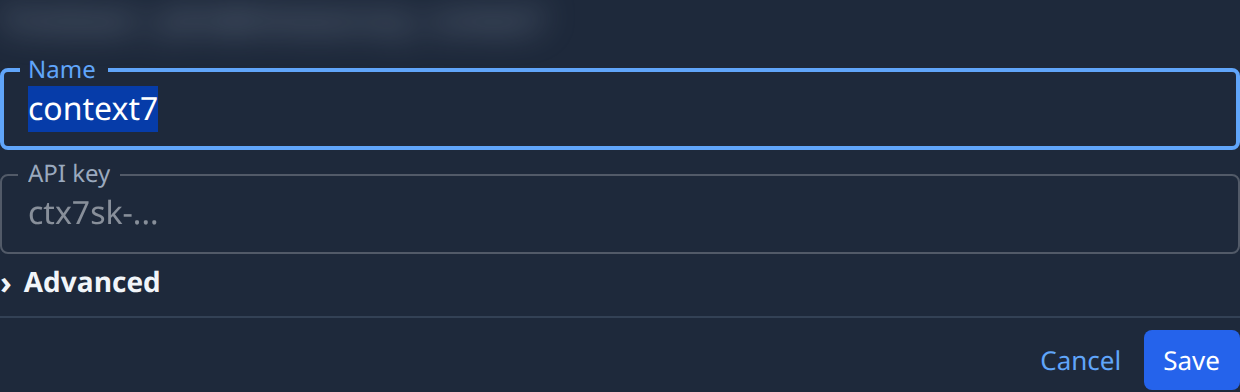
Check the Name. It starts as the server's short key, for example
context7. Tasks find the secret by it, so change it if you will connect the same server twice. -
Fill in what the form asks for. A server that takes a key, such as Context7, shows an API key field; paste the key there. Many servers show no field at all: they are either open to everyone, or you sign in to them after saving.
-
Optional: open Advanced to add a Description. An Org Owner or Admin can also set the Owner there: Organization shares the connection with the team.
-
Select Save. The connection appears in the list.
Sign in, for servers that ask
Some servers, such as Miro, need you to sign in with your own account at the service.
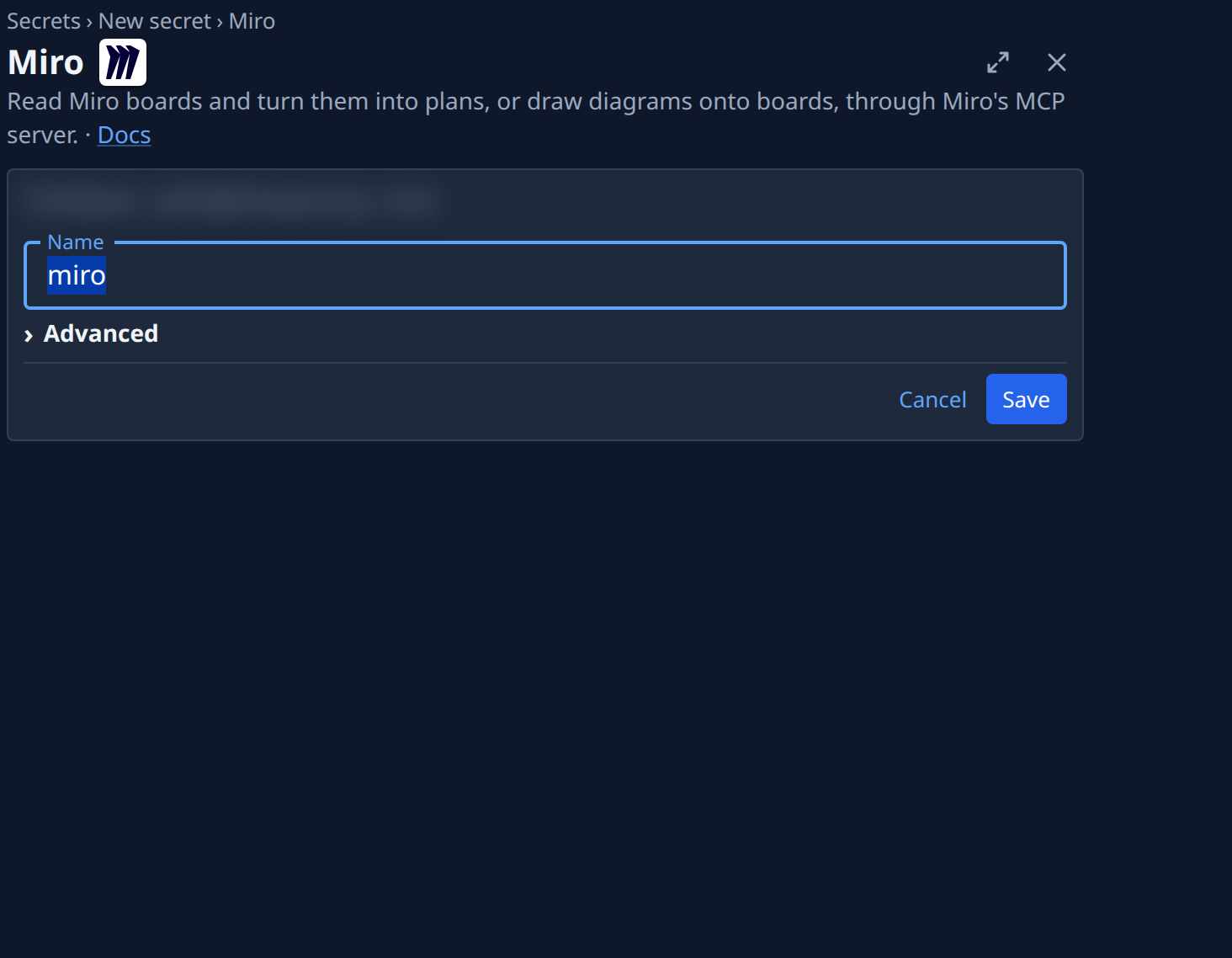
- In the list, select the connection you just saved.
- On its Details tab, select Connect.
- Sign in at the service and allow access. You come back to the connection, which reads Connected.
A connection with no Connect button needs no sign-in.
Give it to a project
Saving the connection is not enough: an agent reaches the server only in projects that link it. Link it from the project's Settings › MCP, as in Give a project's agents an MCP server. Once it is linked, the connection's MCP tab lists the project.
A server that isn't in the gallery can still be connected: an Org Owner or Admin defines it once as a Custom MCP server; see Add a custom API or MCP server.
Next steps
- Find the projects that use an MCP server, and unlink it from each.
- Reconnect a secret a service stopped accepting when a sign-in stops working.
- Every field on the form: Secrets.