Respond to a leaked secret
A token pasted into a chat, a key committed to a repository, a laptop lost with a copy: once a secret has leaked, treat it as known to someone else. Jaah never shows a stored value again, so the leak happened outside Jaah, but the fix has a Jaah side: the new value has to reach the tasks that use the secret, and you want to know which projects could use it.
Who can do this: anyone who can edit the secret: its owner for a personal secret, an Org Owner or Admin for an organization one. Reading Audit needs a role that may view audit activity, and a plan that includes it.
-
Revoke it at the service first. In the service that issued it (your cloud console, GitHub, the vendor's admin page), revoke or rotate the leaked key and make a new one. Until then, a new value in Jaah changes nothing for whoever holds the old one.
-
Open the secret in Jaah. In the sidebar, select Directory, then Secrets. Type its name in Search and select it. It opens on Details.
-
Put in the new value. Select the field that shows dots and paste the new value. Leave every other secret field empty to keep what is stored. Select Save. Tasks fetch the new value from now on.
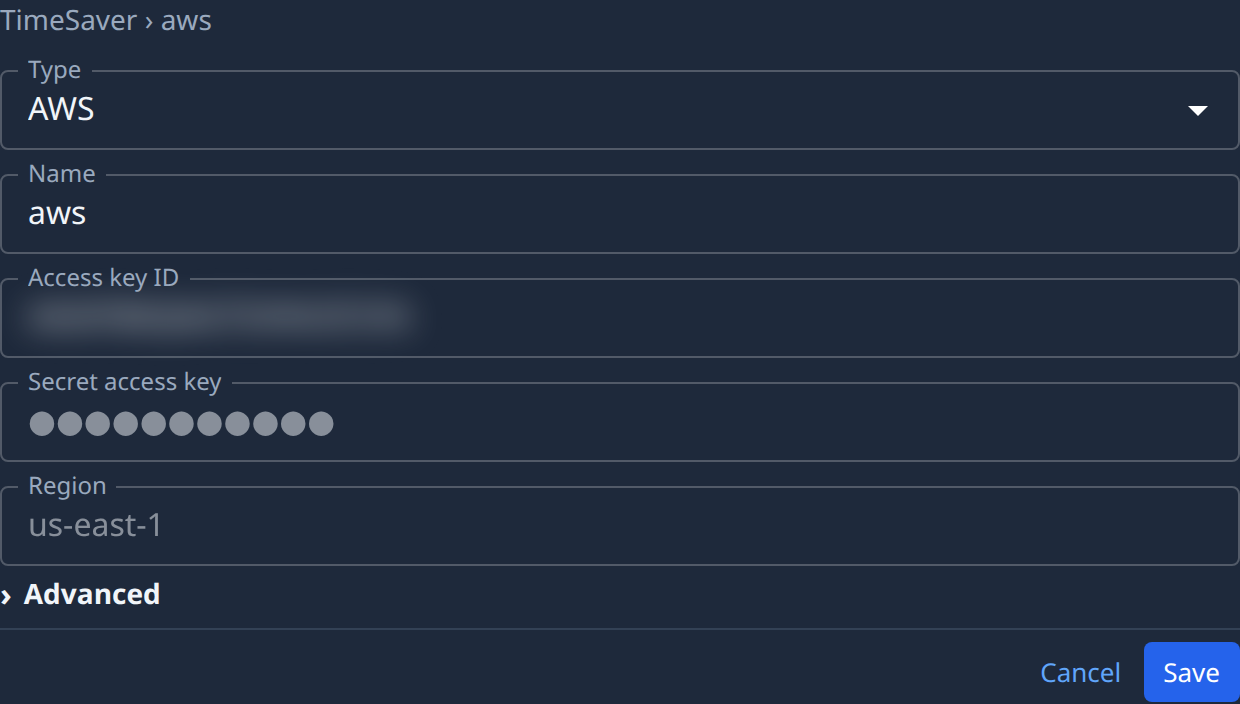
A secret Jaah signed in to for you, with no key to paste, offers Reconnect instead. See Reconnect a secret a service stopped accepting.
-
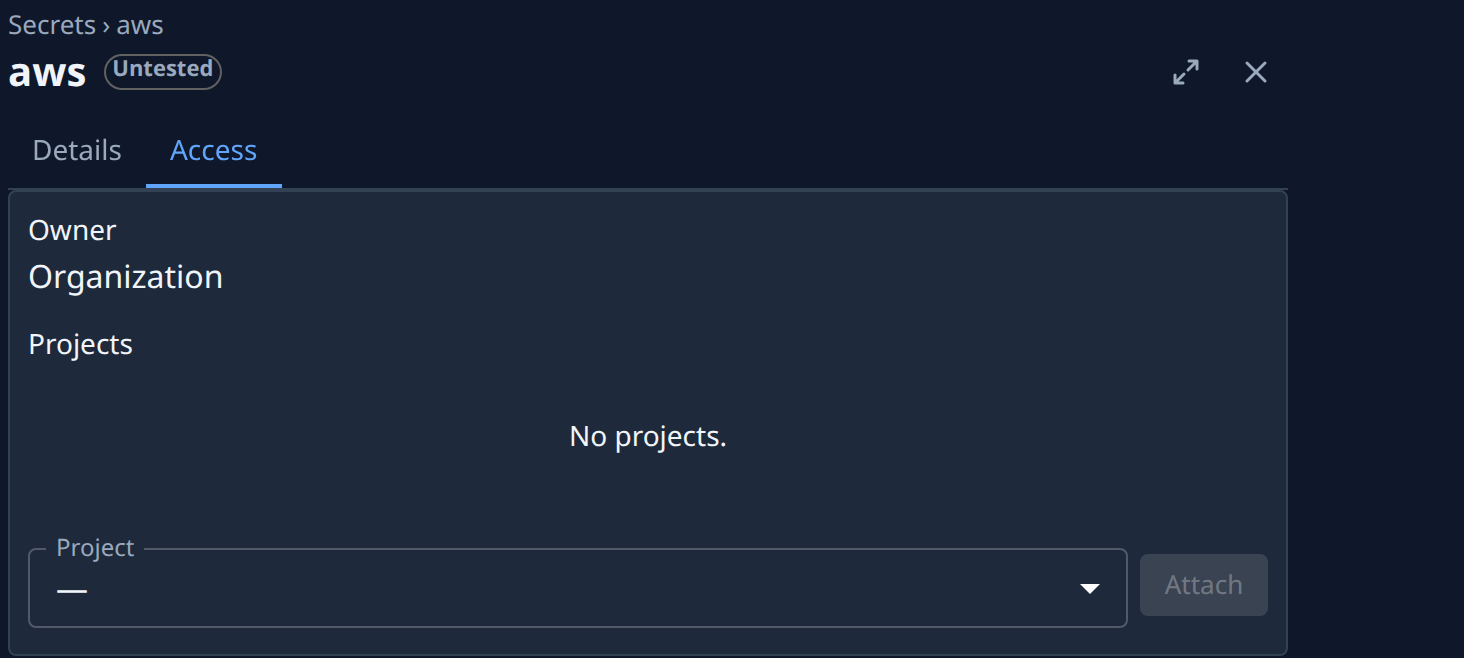
See who could use it. Open the Access tab. Owner and Projects say whose tasks could fetch the secret. Select Detach on any project that shouldn't have it.
-
See when it was last used. Back on the list, read Used: how long ago a task last fetched it. A task that was already running may still hold the old value: restart any that call the service. See Stop, restart or reset a task.
-
Check who changed it. In the sidebar, select Audit. In Search or filter activity, type the secret's name and pick it under Records, then choose All. Each row says who opened or changed it and when. See See a record's history.
-
Check the new value works. A secret with a test shows its state beside its name, such as Connected or Test failed. See Test a secret.
Other kinds of secret
- A Jaah API key: rotate or revoke it. See Rotate or revoke an API key.
- The signing secret of a webhook: see Replace a webhook signing secret.
- An automation's secret: select Rotate secret under Endpoint on the automation's Setup tab, then update the sender. The old one stops working at once.
Related
- How secrets work: who owns a secret and how tasks receive it.
- Replace or delete a secret: change a value, or remove a secret nobody needs.
- Find secrets that need attention: expired and unused secrets.