Start a task from your CI pipeline
When a build or a nightly job fails, your pipeline can ask Jaah to look into it. A Webhook automation gives you an address; one HTTP call from the failing job, sent with a Jaah API key, files a task in the project you pick. The same works for any script or service that can make an HTTP request.
Who can do this: creating the automation requires the org admin role. Any member can make the API key; tasks it starts are filed as that member.
-
Make an API key for the pipeline. Open your profile's Security tab, select New key, name it after the pipeline, such as
CI failures, and on Permissions select None, then tick Create on the Tasks row. Select Create and copy the secret into your CI system's secret store. See Create an API key. -
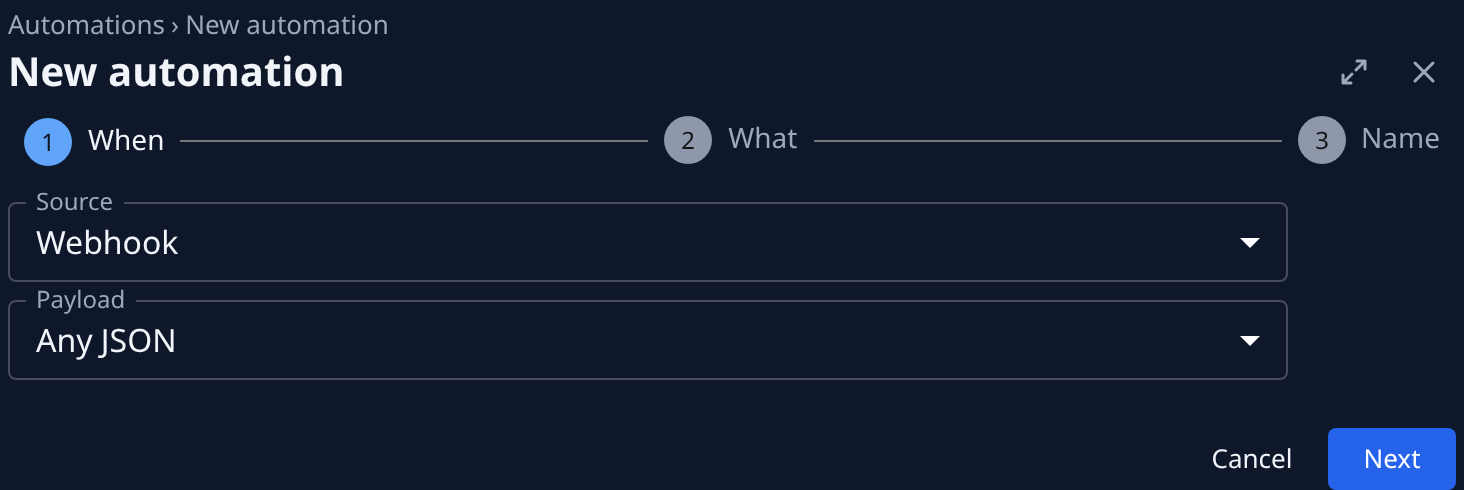
Create the automation. In the sidebar, select Audit, then Automations, then New automation. Set Source to Webhook and leave Payload at Any JSON. Select Next.
-
Say what the task does. On What, pick the project under Target, then write the task, such as
The build failed. Read the log, find the cause and fix it.Quote what the pipeline sends with placeholders, such as{{body.job}}in Title and{{body.log_url}}in the description. Select Next, give it a Name, such asCI failures, and select Create. -
Copy the address. On the automation's Setup tab, under Endpoint, select Copy URL. Header shows how the call must authenticate:
Authorization: Bearer <API key>. -
Call it from the failing job. Add a step that runs only when the build fails and posts JSON with the fields your placeholders name. In GitHub Actions, for example:
- name: Ask Jaah to look into the failureif: failure()run: |curl -fsS -X POST "$JAAH_HOOK_URL" \-H "Authorization: Bearer $JAAH_API_KEY" \-H "Content-Type: application/json" \-d "{\"job\": \"$GITHUB_WORKFLOW\", \"log_url\": \"$GITHUB_SERVER_URL/$GITHUB_REPOSITORY/actions/runs/$GITHUB_RUN_ID\"}"env:JAAH_HOOK_URL: ${{ secrets.JAAH_HOOK_URL }}JAAH_API_KEY: ${{ secrets.JAAH_API_KEY }}In GitLab CI, put the same
curlin a job withwhen: on_failure. -
Check it. Make a build fail once, or run the step by hand. On the automation's Runs tab, the run shows the task it filed. The task's timeline names both the key's owner and the key: the owner's name, then via CI failures.
To try the task text before a real failure, paste a sample body into Sample payload on the Advanced tab and select Test. Nothing is filed.
If no task appears
- The call is refused: the key can't create tasks, or it was revoked or has expired. Make a key with Tasks: create, as in step 1.
- A busy pipeline filed too many: cap open and hourly tasks on the automation's Settings tab. See Limit what an event automation files.
- A run shows an error: see Find out why an automation failed.
Related
- Create an automation: every source and setting.
- Start tasks from GitHub: file tasks from a repository's own issue and pull request events.
- Start tasks from Latenode: the same webhook, called from a Latenode scenario.
- See what an API key was used for: every call the pipeline's key made.