Hand your organization to a new owner
The Org Owner holds the last word in your organization: only an Owner can grant Org Owner or change another Owner's roles. When you hand the organization over, because you leave or move to another team, give the new person that role before you give up yours, and move the billing with it.
Who can do this: requires the Org Owner role. The new owner must already be a member of your organization. Someone new? Invite them first: see Invite a person and grant access.
-
In the sidebar, select Directory, then People, then the Access tab.
-
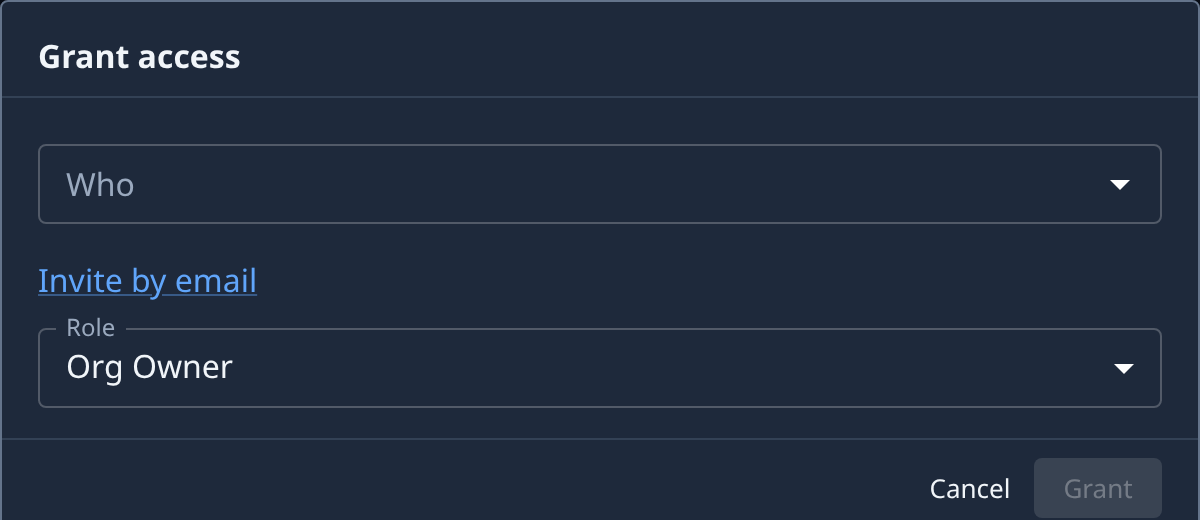
Select Grant access.
-
Under Who, pick the new owner. Set Role to Org Owner and select Grant.
-
Check the list: the new owner's row reads Org Owner and Direct under Source. Ask them to sign in and confirm they see Billing under Settings.
-
Move the billing contact. Select Settings, then Billing, then the Details tab, open the row, change Email (and Name, if invoices should name them) and select Save. See Update your billing details.
-
If the card that pays is yours, have the new owner add theirs on Methods and make it the default, then delete yours. See Make a card the default or delete it.
-
Hand over anything else you own, such as personal secrets and model accounts. See Hand over a leaving member's work.
-
Have the new owner remove your role: on the Access tab, ⋯ on your Org Owner row, then Remove, and Remove again in the dialog. Keep Org Admin or another role if you stay on the team.
Your organization always keeps at least one Org Owner, so removing the last one is refused. That is why the new owner gets the role first.
Related
- Give people an organization role: Org Owner, Org Admin and Project Maintainer.
- Review who holds an organization role: check the result and take roles away.
- How team and access work: what each role may do.