Take a role away from a group
When a team no longer works on a project, take the group's role there away instead of removing each person from the group: the people stay in the group and keep its other roles.
Who can do this: requires the org admin role (Org Owners and Admins). Without it, the group's Bindings tab is read-only.
Remove the role

- In the sidebar, select Directory, then the People tab, then Groups.
- Select the group's row. It opens beside the list.
- Select the Bindings tab. Each row is one role the group holds: Scope says where, for example Project · Mobile app, and Role says which.
- On the row to take away, select ⋯, then Remove.
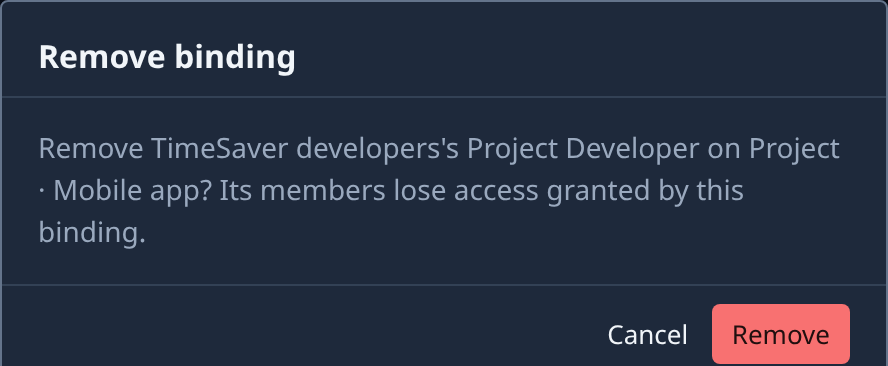
- Read the Remove binding dialog. It names the group, the role and where it applies, and warns that the group's members lose the access it gave them.
- Select Remove, or Cancel to keep it.
The row leaves the table at once. Nothing else about the group changes: its members, its name and its other roles stay.
Check that it's gone
A member may still hold the same role another way: given to them directly, through another group, or from the organization. To see what one person still holds:
- Select People, then the person's row.
- Select the Access tab. Each role says Direct, Via group and the group's name, or Inherited from the organization.
See Check what someone can access.
Related
- How team and access work: roles, groups and where a person's access comes from.
- Create a group: give a group a role in the first place.
- Rename or delete a group: when the whole group is no longer needed.
- Groups: every column of the Bindings tab.